

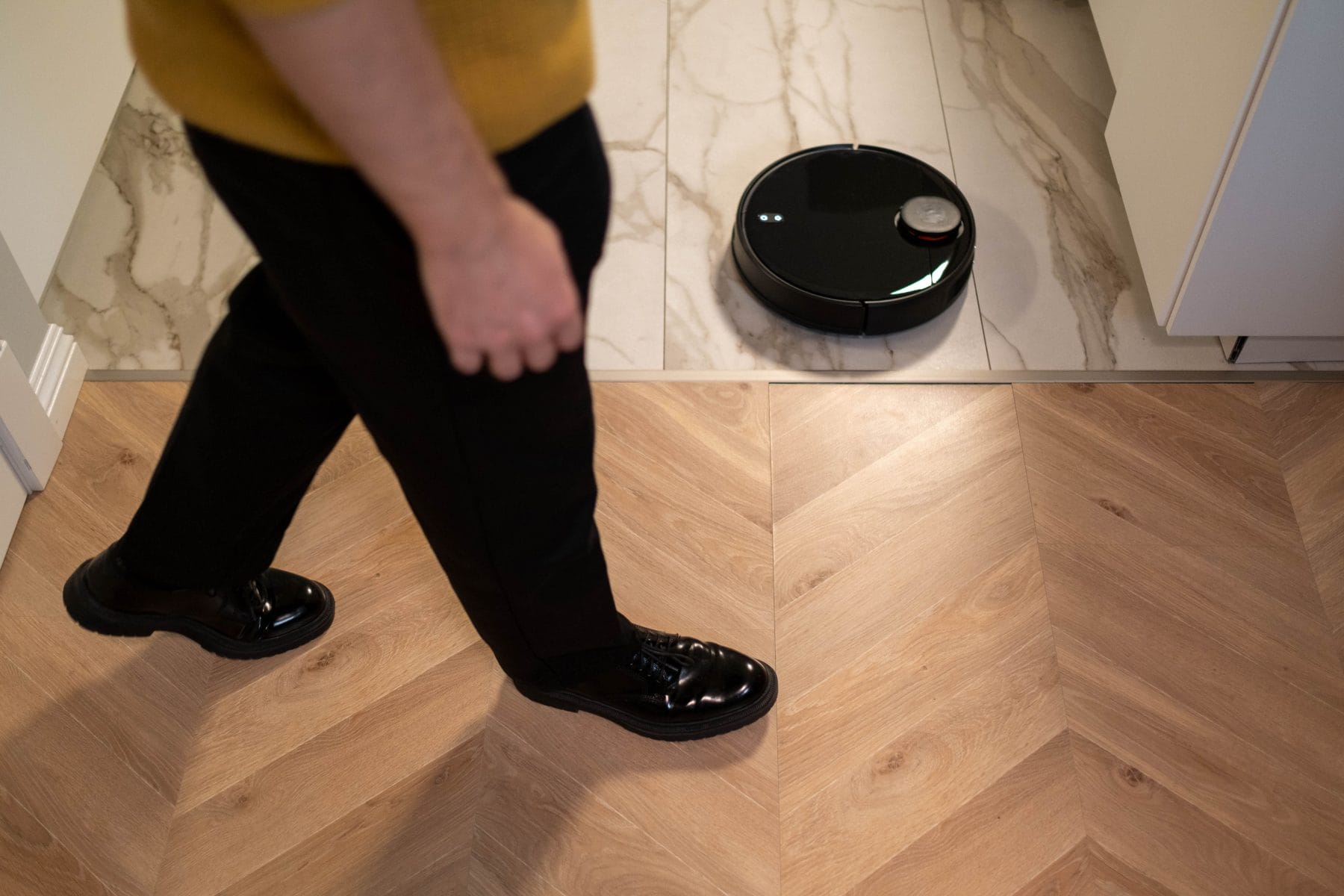

A robot vacuum knows where the furniture sits. A smart thermostat can recognize when the house empties. A television may keep track of what people watch. None of these gadgets needs a diary to build a surprisingly detailed picture of household life.
Smart home devices collect information to perform their advertised jobs. That sounds reasonable until consumers consider how much those little conveniences can reveal. A temperature adjustment, a voice command, or a camera notification might contribute to a record of daily habits.
Not every manufacturer collects the same information, and privacy settings vary by product. Still, five familiar household devices deserve a closer examination before they become permanent fixtures in the home.
1. Smart Speakers Know More Than Your Favorite Songs
Smart speakers such as Amazon Echo and Google Nest make excellent household assistants. They play music, answer questions, set timers, and settle arguments about cooking temperatures. They also process voice requests, which can include surprisingly personal details.
Someone might ask for medication reminders, dictate a shopping list, check a bank’s customer service number, or discuss a private appointment. Those requests can leave recordings or text transcripts associated with an account. Amazon, for example, lets Alexa users review voice recordings, transcripts, and typed requests through its privacy settings.
The awkward part involves accidental activations. A television commercial, background conversation, or similar sound can sometimes trigger a false wake. Amazon acknowledges this possibility and provides a history tool where customers can inspect recordings and delete them.
What to check: Open the Alexa privacy settings or your Google account’s privacy controls. Review voice history, automatic deletion options, and permissions for third-party services. A speaker that handles shopping, calendars, and household routines may hold considerably more information than its owner remembers sharing.
2. Smart TVs Can Track What You Watch
Televisions have developed an impressive appetite for information. They know how to stream movies, recommend shows, and display advertisements. Some also use a technology called automatic content recognition, or ACR, to identify what’s playing on the screen.
ACR can recognize content from television broadcasts, streaming services, and other connected sources. Manufacturers may use viewing information to personalize recommendations, measure audiences, or support advertising. The Federal Trade Commission has already demonstrated why consumers should pay attention. In 2017, Vizio agreed to pay $2.2 million to settle allegations that it collected viewing histories from 11 million televisions without adequate consumer knowledge or consent. The case involved practices going back to 2014, not a finding about every television sold today.
A television doesn’t need a camera pointed at the couch to learn something about its audience. Its software can gather information from the content displayed on its screen. Check your television’s privacy menu for settings labeled Viewing Information, Smart TV Experience, ACR, or Personalized Advertising. The exact wording depends on the manufacturer. Removing unused streaming apps also helps limit unnecessary data collection, according to the FTC.
3. Video Doorbells Record More Than Deliveries
A video doorbell seems straightforward. Someone approaches the front door, the camera detects movement, and the homeowner receives an alert. Yet the resulting footage can capture neighbors walking past, visitors arriving, delivery workers, and people simply using the sidewalk.
Depending on the model and settings, these devices can collect video, audio, motion events, timestamps, and account information. Cloud storage adds another consideration because recordings may remain available after the original visitor disappears down the driveway.
Ring, for example, explains that it responds to properly served, legally valid government requests for customer information when required. Its privacy policy also describes circumstances involving emergency disclosures. Ring says it doesn’t give law enforcement direct access to customer accounts.
This doesn’t mean every doorbell recording becomes a government file. It does mean owners should understand where footage goes and who can access it. Check recording retention periods, shared-user permissions, encryption options, and two-factor authentication. A camera pointed toward the front steps can serve a useful purpose without documenting every person who walks past the mailbox.
4. Smart Thermostats Can Reveal Household Routines
A thermostat seems like an unlikely source of personal information. Its job involves temperature, not family secrets. However, its sensors and usage records can reveal patterns about household activity.
Google’s Nest collects information such as temperature, humidity, ambient light, motion, manual adjustments, and heating and cooling activity. Home/Away Assist can also use activity sensors across connected Nest devices to determine whether someone appears to be home.
Consider a thermostat that repeatedly detects activity around breakfast, then registers an empty house during working hours. Its records may reveal a rough picture of household routines, even without identifying exactly who leaves or returns. That information helps automate heating and cooling, which is the whole appeal. Still, consumers should know what they exchange for that convenience.
Review Home/Away settings, connected-device permissions, and activity-sharing options. If the thermostat offers different operating modes, examine what information each mode requires. Also check whether household members share one account. Convenience becomes less convenient when everyone assumes someone else controls the privacy settings.
5. Robot Vacuums Can Build a Map of Your Home
The robot vacuum has a peculiar advantage over most household gadgets: It physically travels through the rooms it helps maintain. Advanced models use sensors, cameras, or other navigation technology to map their surroundings. Those maps can reveal room layouts, furniture placement, and the location of restricted areas.
Some models also collect information about cleaning schedules, device activity, obstacles, and room names. iRobot’s privacy policy describes data that certain connected Roomba models may collect, including floor plans, room labels, object information, and robot movement. Its documentation also explains that users can control certain mapping-data features through the app.
This creates an unusual privacy trade-off. The more accurately a vacuum understands the home, the better it can clean specific rooms and avoid obstacles. But a detailed floor plan contains information that many owners probably wouldn’t consider part of a cleaning routine. A map labeled Bedroom, Nursery, and Home Office tells a more revealing story than a generic collection of navigation coordinates.
A Few Settings Can Make a Surprisingly Big Difference
Nobody needs to throw out a perfectly good thermostat or return a robot vacuum to enjoy some privacy. The better approach involves knowing what each device collects and deciding which features justify that collection.
Start with the manufacturer’s privacy policy, particularly sections covering data collection, sharing, retention, and third-party services. Look for settings that control microphones, cameras, location access, personalized advertising, and cloud storage. Disable features that offer little value to your household. Also, create unique passwords and enable two-factor authentication wherever possible.
The FTC recommends installing software updates, changing default router credentials, and disconnecting devices that no longer serve a purpose. An old smart camera gathering dust in a closet can still create a security problem if it remains connected.
Which smart home device makes you most uncomfortable from a privacy standpoint: the television, voice assistant, security camera, thermostat, or robot vacuum?
You May Also Like…
Electrician Warns: Never Plug These 7 Devices Into Extension Cords or Surge Protectors
5 Surprising Ways Your Smart Devices Could Be Spying On You
7 Old Smart Device Permissions Owners Should Remove
Smart Home Users Worry About Privacy—Is This Device the Biggest Risk?