

-
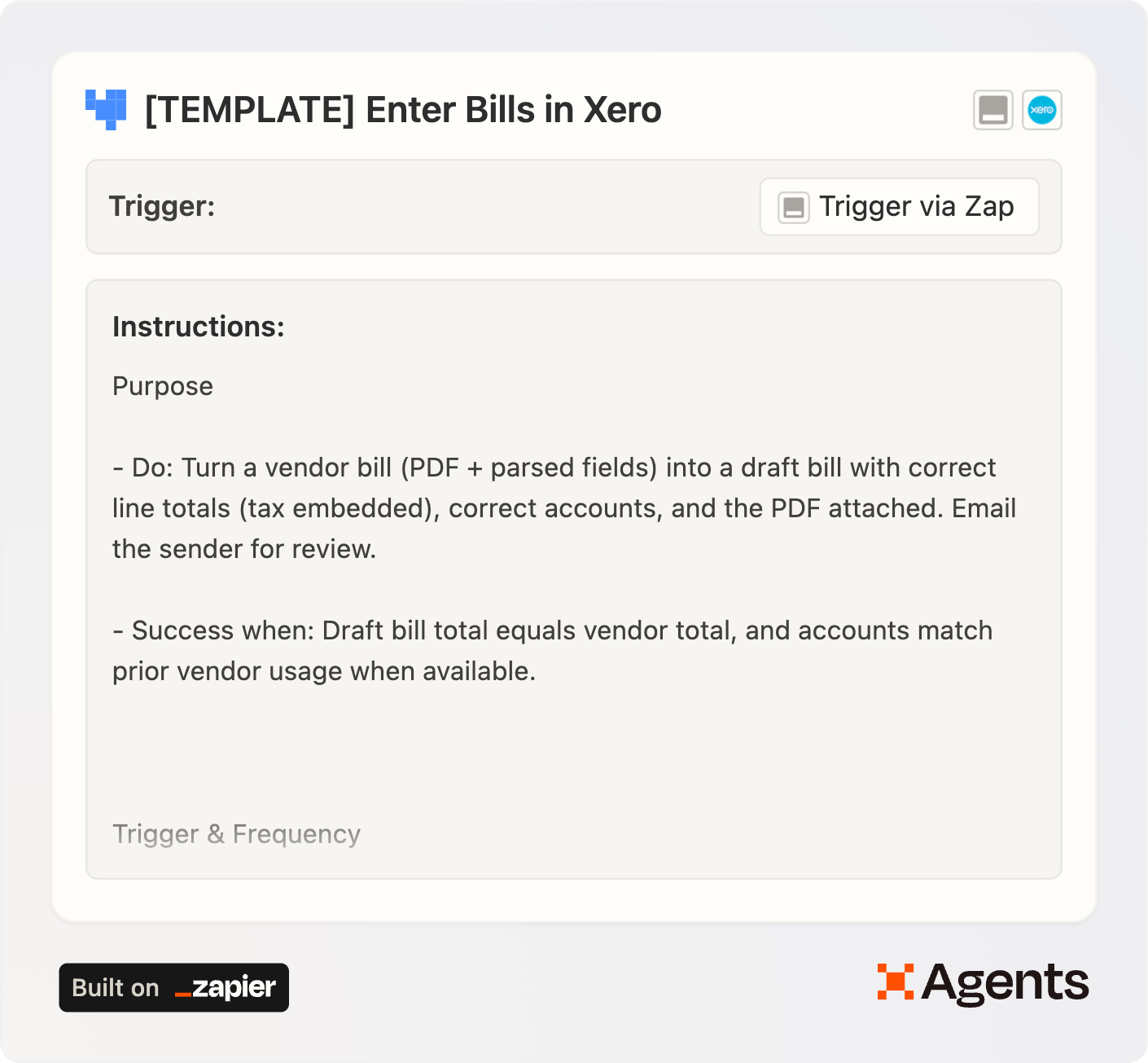
Build the Zap: Email by Zapier > PDF.co > Agents. I can’t share the template for this zap with you because Zapier Agents is in beta right now, but you reconstruct it using these settings (see screenshots).
-
Copy the Zapier Agent into your account from the template.
-
Connect the Zap to the Agent.
-
In the Agent “Add tools” settings:
-
Configure the Xero tools to access a single organization so the agent can’t search in or post to the wrong org. Limit the Create Bills tool to Draft status.
-
Hard-code the “To:” in the Email by Zapier step to your address to prevent messages from going anywhere else.
-
-
Tune the instruction set when you notice repeated mistakes. Agents don’t learn between runs—your instructions are everything.
Customizing coding rules
You can edit the Instructions to add keyword-based fallbacks to steer line-item account selection (e.g., any line with “AWS” → Cloud Hosting).
QuickBooks instead of Xero?
No problem. Swap the Xero tools for QuickBooks in the agent, update the instructions, and you’re off.
Limitations & easy upgrades
-
This agent can only handle PDFs attached to emails. If you get Word attachments or the email itself is the bill (no attachment), you’d need to add a conversion step before the pdf.co extraction.
-
It’s a pain to add fallback instructions for coding. If you wanted to avoid having to edit the agent’s instructions,, you could create a “coding manual” in Google Docs and instruct the agent to look up vendors/keywords there for consistent coding—just like a human bookkeeper would.
Why this matters
We’ve used tools like Hubdoc for years to kill data entry. Agents let us recreate that magic without coding and go even further with line-level data extraction and allocations. The result? Faster, cleaner bookkeeping and more time for higher-value work.
Grab the template
👉 Copy the Zapier Agents template
Questions or ideas to improve it? Send me a message.