


In this guide, we will show you how you can reduce the size of recorded videos on your iPhone and, as a result, make longer videos on your device before running out of storage.
With this guide, you will essentially be able to record more and have videos of a smaller size, which will be easier to upload and share with others.
Reduce video recording size on iPhone
- Start by opening the Settings app on your iPhone.
- Here, find and tap on the Camera option.
- On the next page, find and tap on the Record Video option.
- This will give you access to a variety of video-related settings.
- Here you will see multiple options ranging from 720p all the way up to 4k at 120fps.

Recording videos in 4K is cool as they feature high quality and resolution. However, the issue with these files is that they are quite large in size.
For example, a 1-minute video shot at 4k at 30fps is around 150MB, while a 1-minute video shot at 1080p HD at 30fps is just 65MB. This is a big difference, and changing this setting can go a long way in allowing you to record more videos and save on disk space.
Here, we recommend that you select the 1080p HD 30fps option, as this will be good enough for home videos and social media content.
However, if you want to smooth videos, you can also go for the 1080HD at 60fps option.
Reduce Video Size Directly From Camera app

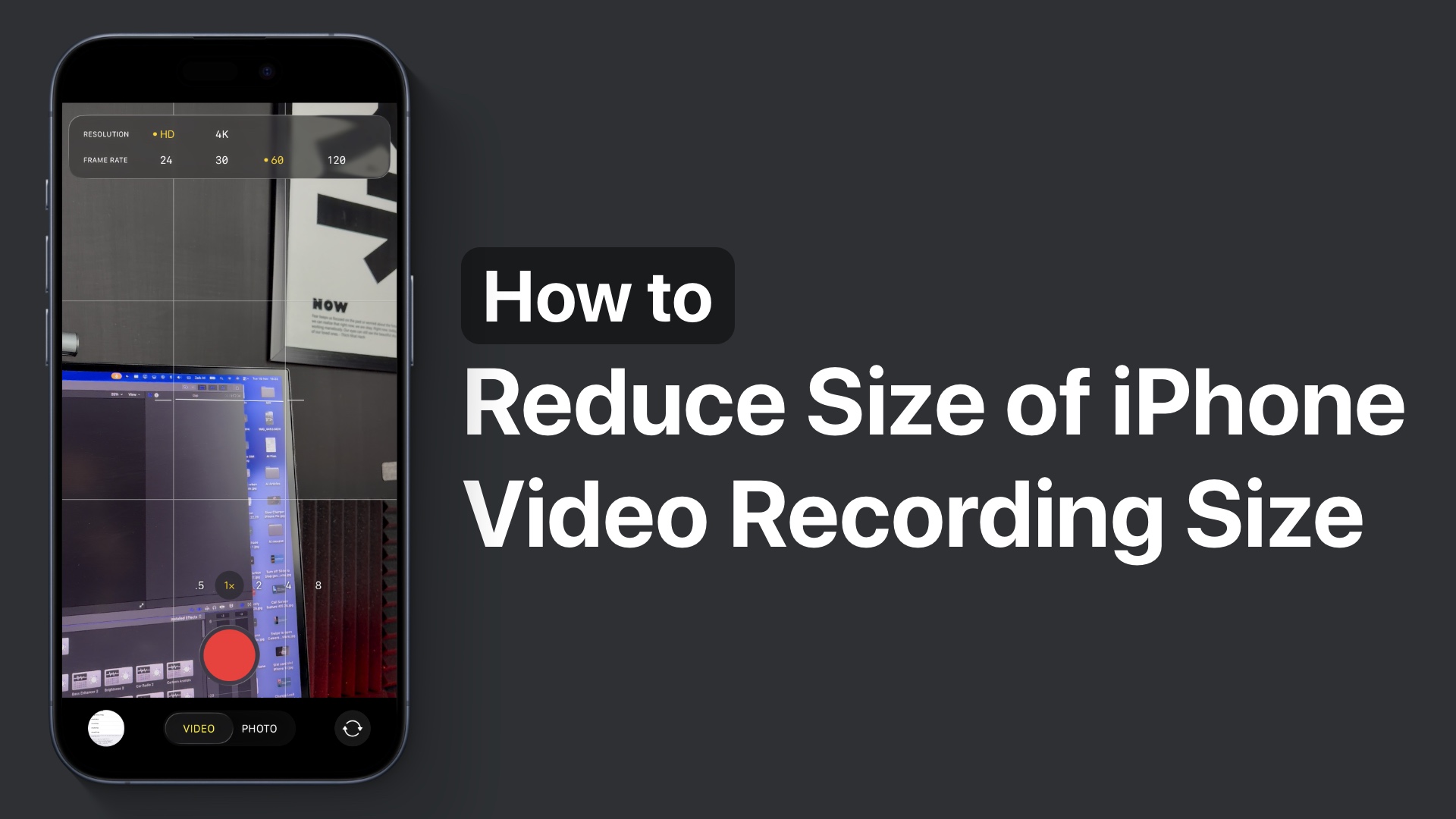
In newer versions of iOS, such as iOS 26 or later, you can also change this setting quickly right from the Camera app.
Just launch the Camera app and switch to the Video Recording mode. Then tap on the resolution and fps buttons from the top, and select your desired resolution.
Here, select HD from resolution and 30 from Frame rate for best results.
That’s it, this is how you can change video recording settings on your iPhone and record more video with less storage.


