Watch: How To Purchase Facility On GTA V Online
Learning how to buy an Agency in GTA Online is an essential step for players who want to access high-paying contracts and exclusive missions. Introduced with “The Contract” update, Agencies allow you to work with Dr. Dre while completing VIP Contracts and Security Contracts for steady income.
In addition to missions, Agencies provide useful features such as a safe for passive earnings, an armory for weapons, and optional upgrades like vehicle workshops. Overall, owning an Agency opens the door to profitable opportunities, making it a smart investment for players aiming to grow their criminal empire.
Before purchasing an Agency, players need sufficient funds and must access the Dynasty 8 Executive website through their in-game phone. This article will provide a step by step guide on how to purchase an agency.
Buy Agency On GTA Online
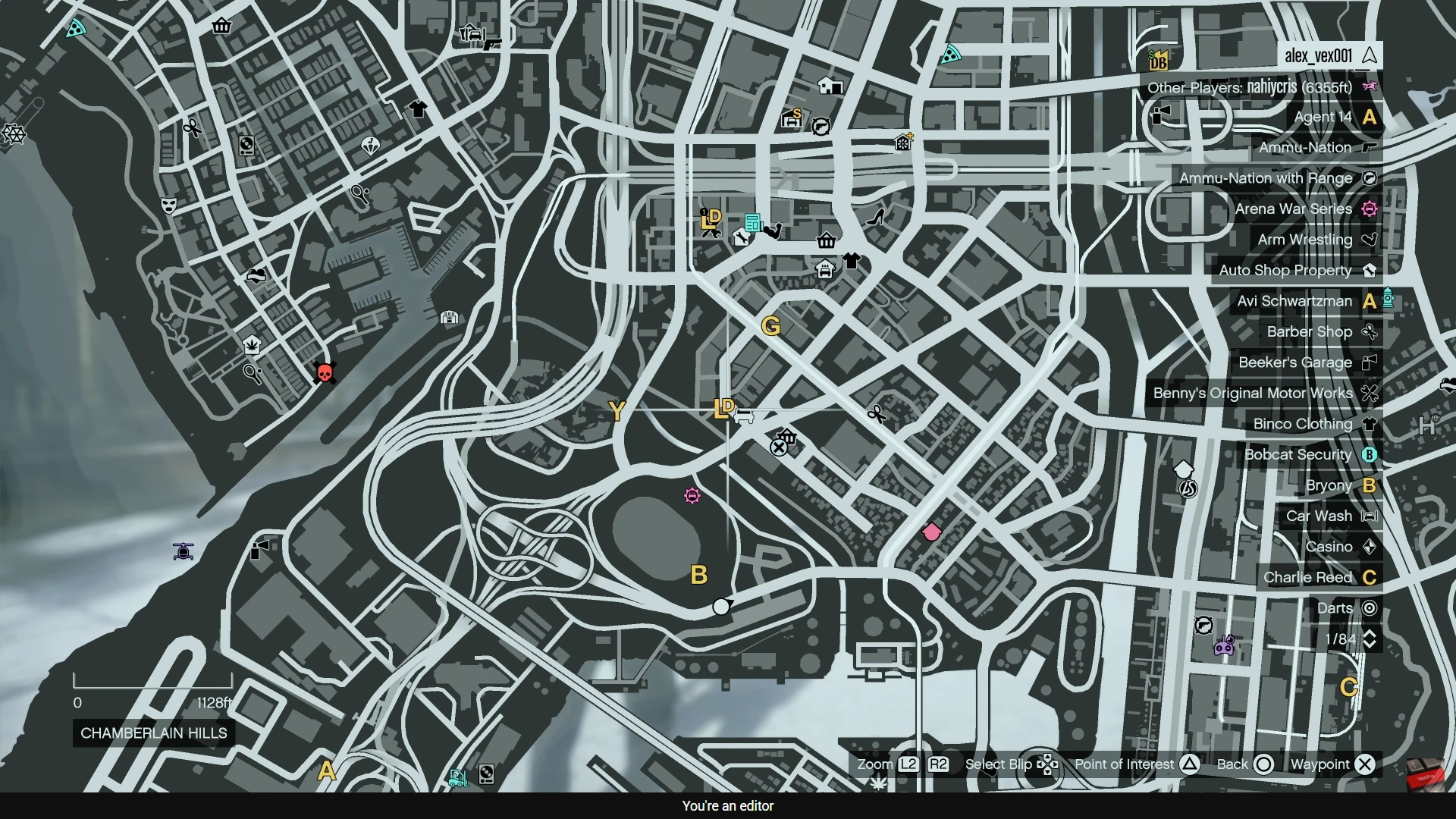
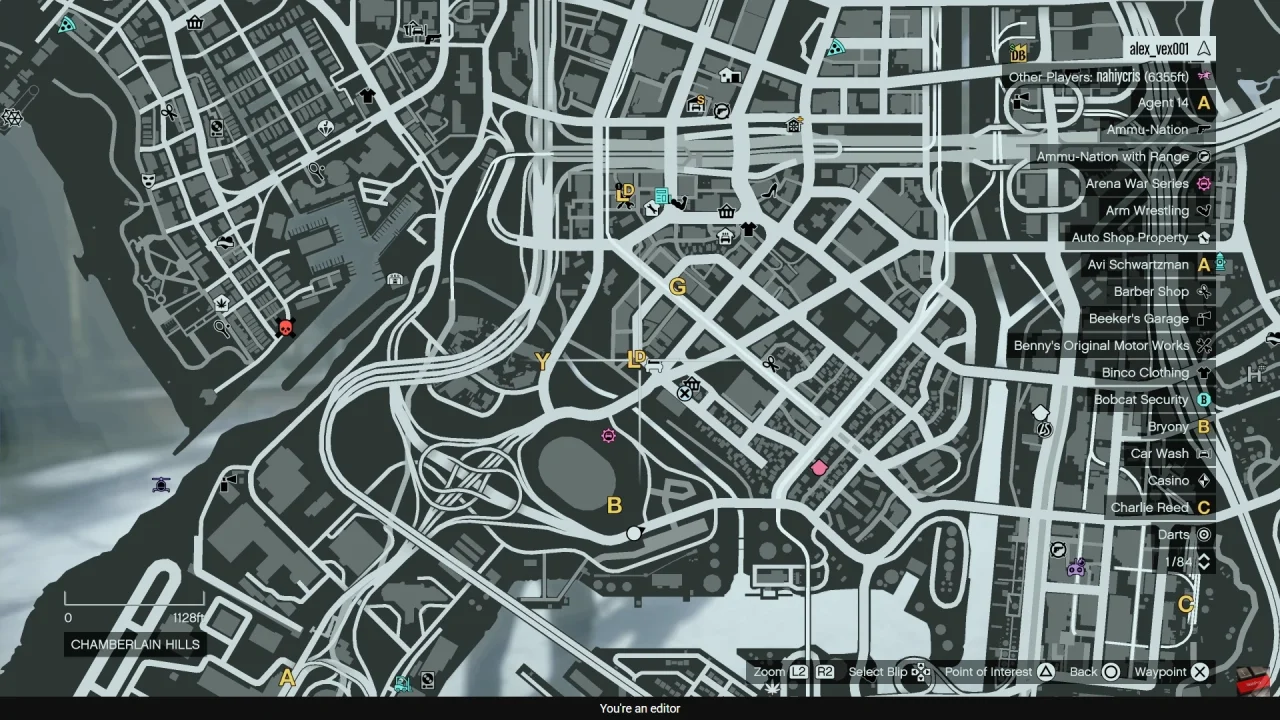
First, navigate and interact with the yellow “LD” marker on the map. This will trigger a phone call from Lamar. Next, open your in-game phone and select money and services.
Then, navigate down to the Dynasty 8 Executive website to access available properties. Next, browse through the listed Agency locations and compare their prices and positions across Los Santos. After that, select the Agency that best fits your budget and preferred area, since location can affect travel time during missions.
Once you’ve chosen a property, customize it by adding optional upgrades such as an armory, accommodation, or a vehicle workshop. These additions can improve your overall gameplay experience. After confirming your selections, proceed to purchase the Agency.