Once you install Zen Cart, you can log in to the CMS and start working on your project.
The login process is simple and is comprised of only a few steps.
How to Log in to Zen Cart
There are two ways to log in to Zen Cart:
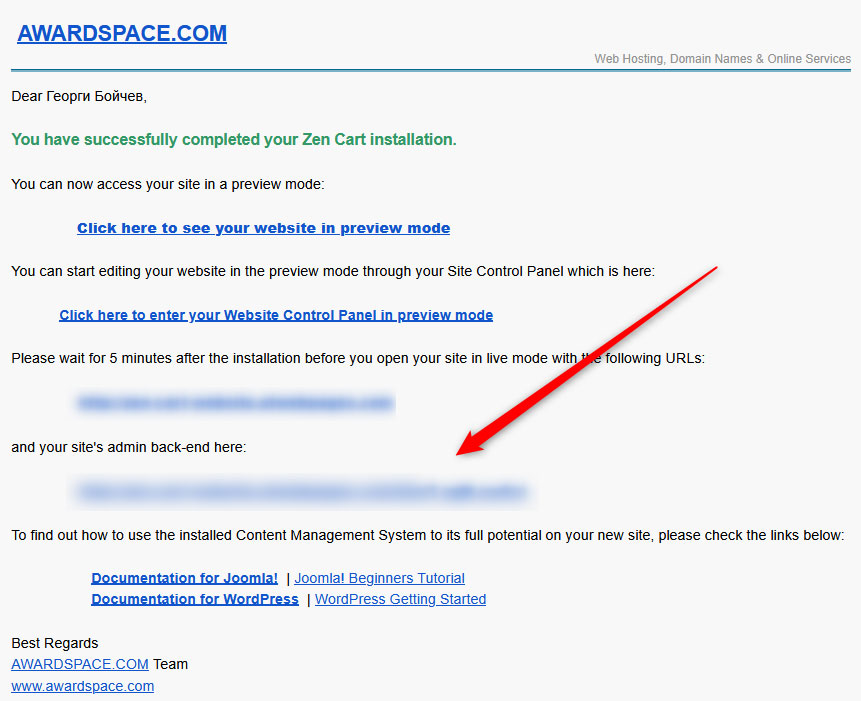
Method 1: Login by following the confirmation email you receive after installation. Each time you install a CMS within your AwardSpace account, a confirmation message is sent to your email. This message contains everything you need to know, including the login link. Click it, and you will be redirected to the login page:
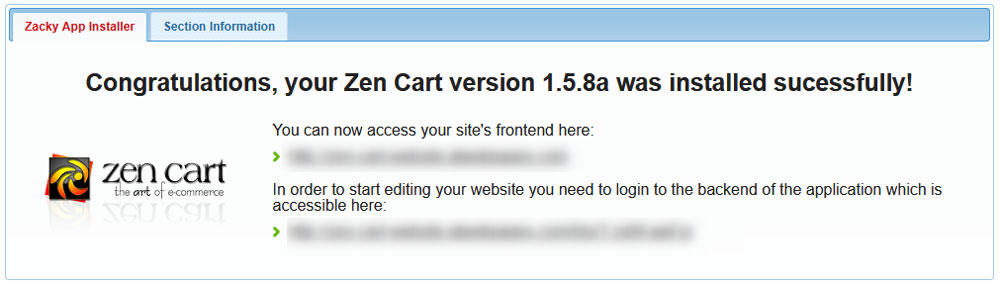
Method 2: Follow the link in the Zen Cart installation confirmation message. Each time you install a CMS with your AwardSpace account, a confirmation message is displayed. Along with informing you that your CMS is successfully installed, the message shows a link that leads to the CMS login page. Follow this link so you open the login page:
Regardless of the method you choose, the final result will be the same – you will land on the login page of your Zen Cart website. It looks like this:
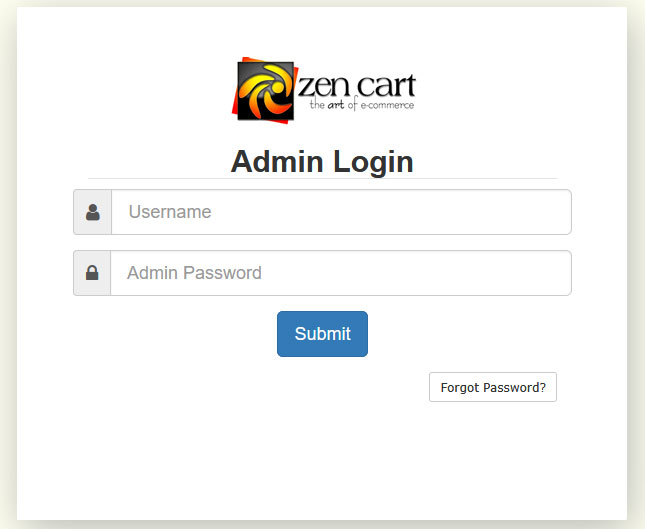
Once here, type in your login credentials in the required fields (the credentials you chose when installing Zen Cart) and click the blue Login button. Then you will be directed to your Zen Cart admin panel:
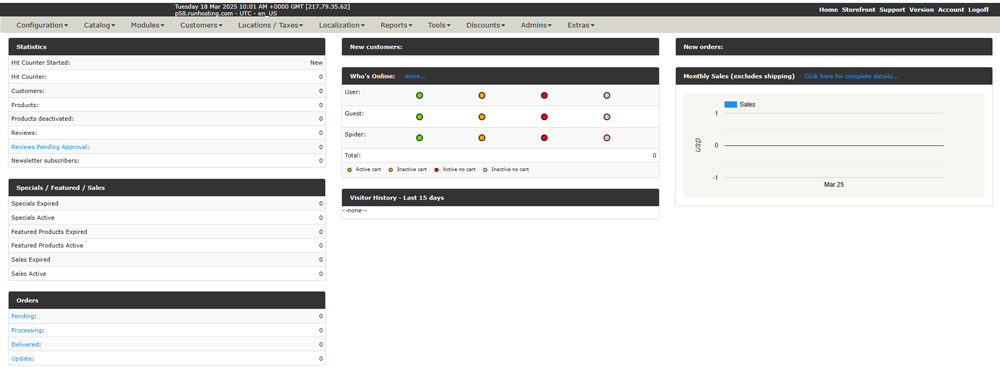
Now you have managed to log in to Zen Cart.
Read also: