WordPress 7.1 “Mary Lou”: Every Feature, Security Update, What to Check First in The Latest WordPress Version – Windows VPS Hosting Blog

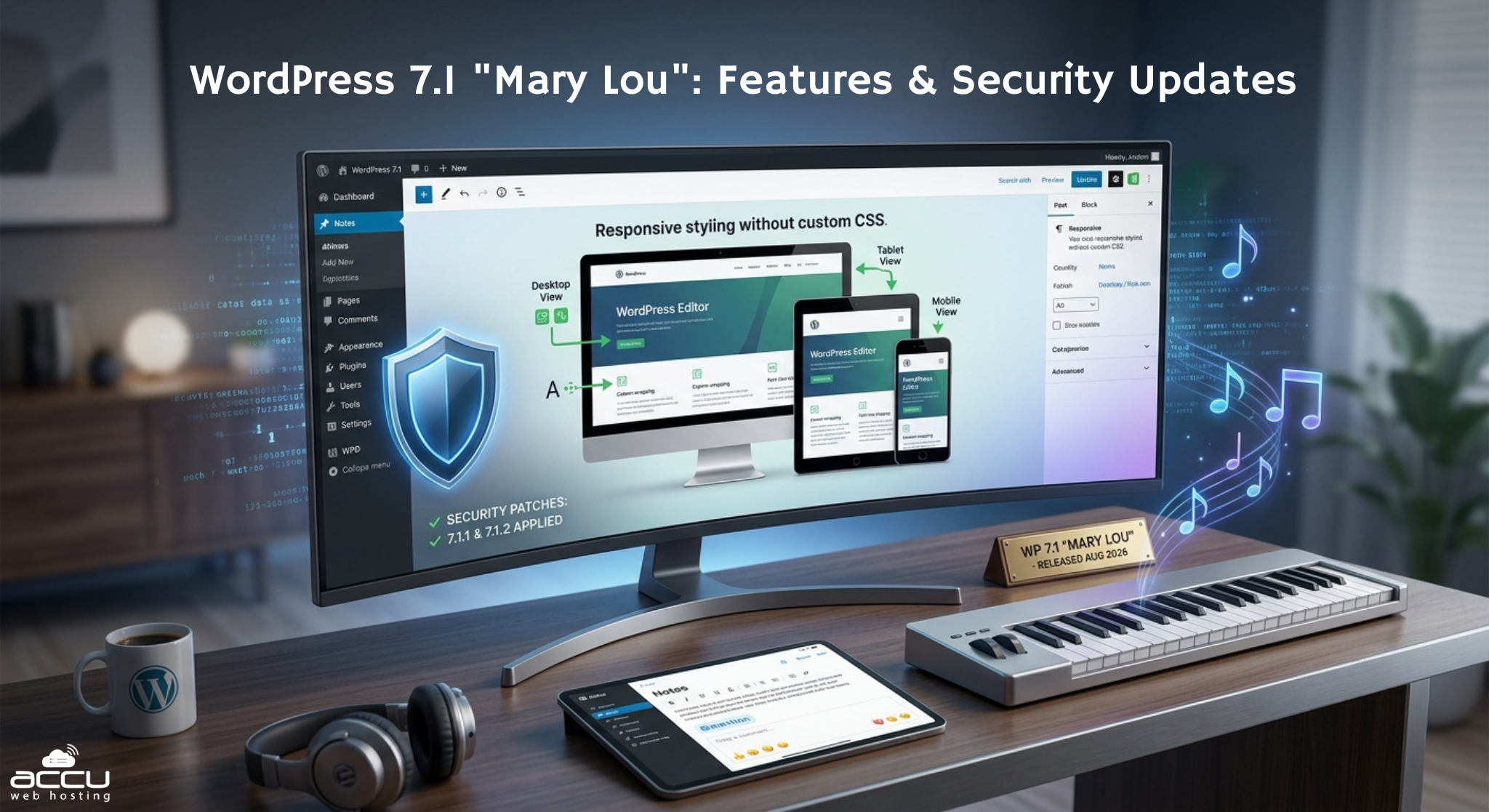
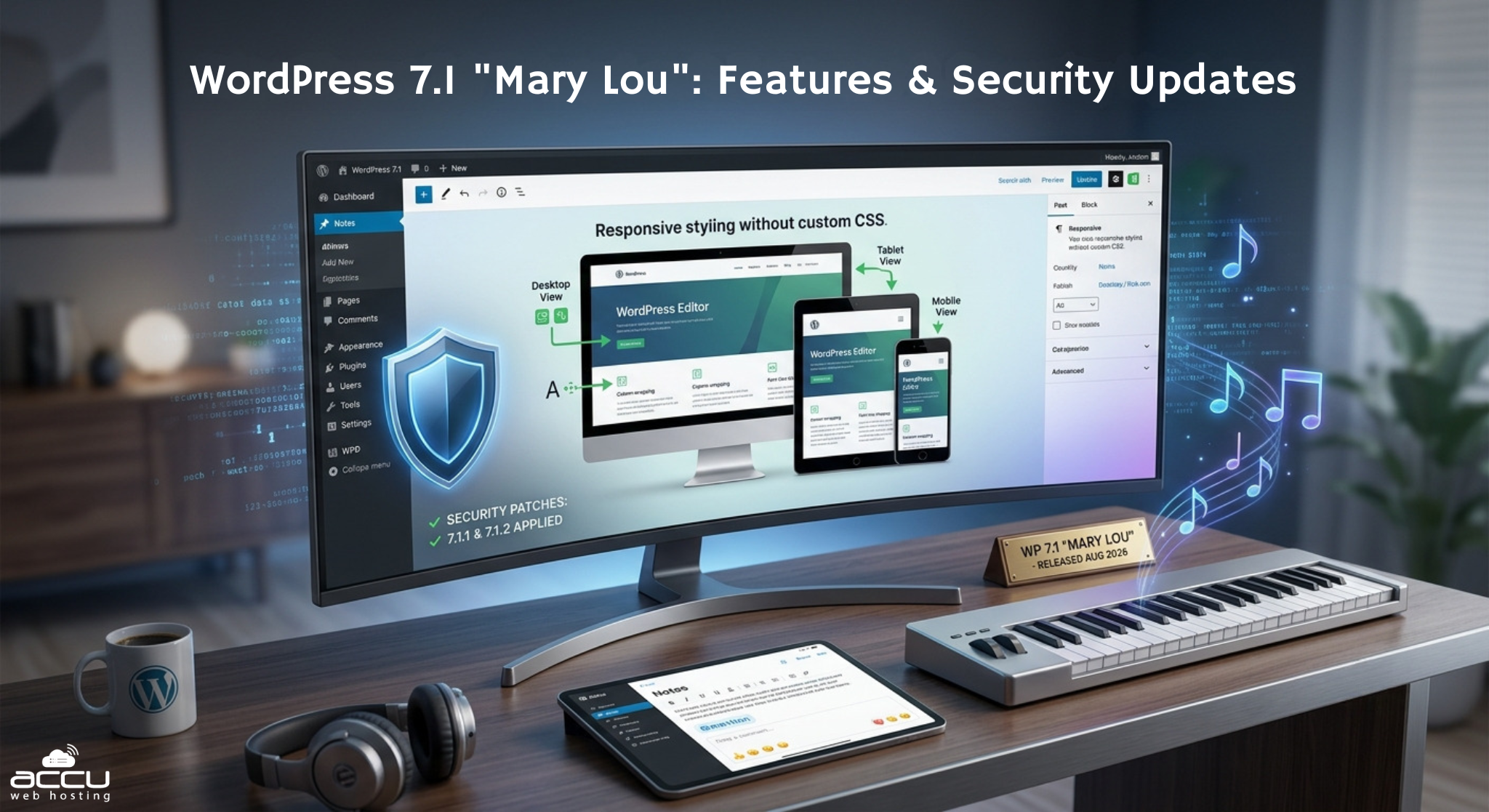
WordPress 7.1 is the current major version of WordPress. It shipped on August 19, 2026, and carries the code name “Mary Lou,” after jazz pianist Mary Lou Williams. It brought native responsive styling, a rebuilt media workflow, and a real upgrade to Notes-based collaboration.
It has also had two security patches since launch: one on September 17, one on September 22. More will likely come before WordPress 7.2 arrives in December. Below: what shipped in this release, what each patch since has fixed, and which patches actually matter for your site.
Quick Facts: WordPress 7.1 at a Glance
- Major release: WordPress 7.1 “Mary Lou,” shipped August 19, 2026, at WordCamp US in Phoenix. Led by Anne McCarthy, with over 800 contributors.
- Headline features: responsive block styling without custom CSS, client-side image processing, richer Notes with @mentions, two new blocks (Tabs, Playlist), a persistent admin bar.
- Still missing: real-time collaborative editing, removed from WordPress 7.0 in May and not restored in 7.1.
- Current patch version: WordPress 7.1.2, released September 22, 2026.
- Security patches so far: 7.1.1 (11 fixes, September 17) and 7.1.2 (1 fix, September 22).
- Minimum PHP version required: 7.4, unchanged from WordPress 7.0.
What Is WordPress 7.1 “Mary Lou”?
WordPress names every major release after a jazz musician, and 7.1 honors Mary Lou Williams, a pianist and arranger whose Harlem apartment became an all-hours workshop for the musicians who shaped bebop. WordPress’s own announcement leans on that theme deliberately: 7.1 is built around reinvention and collaboration, following directly from WordPress 7.0 “Armstrong” in May, which laid down the platform’s first real AI infrastructure.
Release lead Anne McCarthy guided 7.1 through its cycle. More than 800 people contributed, over 170 of them for the first time, closing more than 1,500 enhancements and fixes across Core and the editor. It shipped on schedule, timed to the final day of WordCamp US.
Unlike a security release, a major version like 7.1 changes real functionality. That means it deserves a staging test before you update a production site, not a same-day auto-update; a different level of caution than the patches further down this page.
The Headline Features in WordPress 7.1
Responsive styling without custom CSS.
This is the feature most coverage led with, and for good reason. The Site Editor now exposes per-viewport controls, so you can style how a block looks at different screen sizes directly through Global Styles, with default breakpoints at 480px and 782px configurable through settings.viewport in theme.json. Hover and focus states for buttons and navigation work the same way; no hand-written CSS required for either.
A quieter but wider-reaching change: image processing moved to your browser.
WordPress no longer resizes images on the server after upload. That work now happens client-side, before the file ever leaves your device, alongside a free-form image cropper and support for more image formats. It’s not a flashy headline feature, but it fixes a category of upload problem that’s frustrated WordPress users for roughly fifteen years.
Notes became a real collaboration tool, not real-time editing.
Inline notes now support rich text formatting, @mentions, a suggestion mode, and emoji reactions, with Gutenberg 23.8 adding email notifications for mentions in the recipient’s own language. This is WordPress’s answer to the collaboration problem for this cycle: asynchronous review, not simultaneous multi-user editing.
- Two new blocks: a Playlist block for grouped audio files with an optional waveform view, and a Tabs block for organizing content into clickable panels.
- Smaller but useful additions: a persistent admin bar, and site title, tagline, and icon moved into their own labeled section inside the Site Editor.
What’s Still Missing: Real-Time Collaboration
If you were hoping for real-time editing, it still isn’t here. That’s when two people type in the same post at once, like Google Docs. WordPress planned this for version 7.0.
Then, twelve days before that release, the team pulled it. The reason was stability: too many bugs when two people edited at the same time, and too much strain on the server.
This release doesn’t bring it back either. Instead, the team put that work into Notes: richer, but not live. Two people still can’t type in the same post at the same moment. If that’s the feature you’re waiting for, there’s still no confirmed date for it.
Every Security and Maintenance Release in the 7.1 Branch
| Version | Release date | Type | What it fixed |
|---|---|---|---|
| 7.1.0 “Mary Lou” | August 19, 2026 | Major release | Responsive styling, media rework, Notes upgrade, new blocks (see above) |
| 7.1.1 | September 17, 2026 | Security & maintenance | 11 security fixes, 17 Core bug fixes, 19 Block Editor fixes |
| 7.1.2 | September 22, 2026 | Security | 1 fix: unauthenticated path traversal in page-template resolution, leading to conditional remote code execution |
Two patterns stand out here, even before we look at which fixes matter most. First, security patches on a brand-new major release aren’t rare. WordPress 7.0 had four of its own before this one shipped.
Second, the gap between 7.1.1 and 7.1.2 was only five days. That’s a good reminder: “I updated recently” and “I’m on the current version” are not the same claim. Check your actual version number in the Dashboard. Don’t just trust your memory of the last time you clicked Update.
The Two Vulnerabilities You Should Actually Prioritize
Across both patches, 12 individual issues have been fixed. You don’t need to evaluate all 12 with equal urgency. Sort them by what an attacker needs before they can use each one, and only two clear the bar of “reachable with no account on your site at all”:
From WordPress 7.1.1: a stored cross-site scripting issue in wpautop(), the function that turns line breaks into paragraphs across nearly all WordPress content. An anonymous visitor can trigger it through an ordinary comment form. It gets past WordPress’s comment filter because the payload doesn’t look dangerous until it’s displayed later. This one matters even if comments are closed, since wpautop() also runs on regular post content.
From WordPress 7.1.2: an unauthenticated path traversal in page-template resolution that can lead to remote code execution under certain conditions.
The other ten fixes across both releases require an existing account, most at Contributor level or higher, meaning someone who can already publish or edit content on your site. If you’re the only user on your installation, those ten aren’t putting you at meaningful risk today. If you run a multi-author site, accept guest contributors, or allow open comment registration, treat all twelve as relevant, and update without delay.
Should You Update to WordPress 7.1 If You Haven’t Yet?
If you’re still on WordPress 7.0 or earlier, moving to 7.1 is a major-version change, not a routine patch, and deserves the corresponding care.
The two areas most likely to cause trouble: the enforced iframed editor, which affects custom or older blocks built on Block API version 2 or earlier, and any media plugin that assumes image resizing happens on the server rather than in the browser. Most sites running current, actively maintained plugins and themes update cleanly. Sites with older custom blocks or a heavily customized media pipeline should test on staging first.
Once you’re on 7.1, the patches inside it (7.1.1, 7.1.2, and whatever comes next) are a different story. They’re small, targeted security fixes. They don’t change features. They’re generally safe to apply fast, even through automatic updates.
Is Your Older WordPress Branch Still Protected?
WordPress backports security fixes to older branches, but not forever and not evenly. Here’s how the current round of fixes maps across branches still receiving support:
| Branch | Patched for the 7.1.1 batch | Patched for the 7.1.2 fix |
|---|---|---|
| 7.1 | 7.1.1 | 7.1.2 |
| 7.0 | 7.0.5 | 7.0.6 |
| 6.9 | 6.9.8 | 6.9.9 |
| 6.8 | 6.8.9 | 6.8.10 |
| 4.7 | Partial backport (6 of the affected issues) | Not confirmed at time of writing |
A backport buys time on an older branch; it isn’t a reason to stay there indefinitely. WordPress is explicit that only the current major release is actively supported going forward, and this is the same branch structure that carried the emergency fixes for the wp2shell vulnerability chain back in July, patched across 6.8.6, 6.9.5, and 7.0.2 at the time. If you’ve been meaning to schedule the move off an older branch, a security release is a reasonable prompt to actually do it, not just apply the patch and stay put again.
How to Keep a 7.1 Site Current Without Getting Caught Out
A few habits make more difference here than any single update ever will:
- Turn on automatic background updates for minor and security releases. WordPress 7.1.1 and 7.1.2 are exactly the kind of narrowly scoped patch this feature exists for.
- Still check your actual version number periodically, rather than assuming automatic updates mean you’re current. A quick look at Dashboard → Updates takes thirty seconds.
- Treat major version bumps (7.0 to 7.1, eventually 7.1 to 7.2) differently. Back up first, check plugin and theme compatibility, and use staging if your setup is customized.
- Keep Core, plugins, and themes on separate radar. Updating Core doesn’t touch your plugins or theme, and a Core release with 11 or 12 security fixes doesn’t help you if an outdated plugin has its own open vulnerability.
Frequently Asked Questions
What is the current version of WordPress?
WordPress 7.1.2, released September 22, 2026, within the “Mary Lou” major release line.
Is WordPress 7.1 a big update?
Yes, as a major release, it changes real functionality: responsive styling without CSS, a client-side media workflow, an upgraded Notes system, and two new blocks. Its own maintenance releases (7.1.1, 7.1.2) are much smaller, narrowly scoped security patches by comparison.
Does WordPress 7.1 support real-time collaborative editing?
No. That feature was removed from WordPress 7.0 before release and hasn’t returned in 7.1. Notes received the collaboration investment for this cycle instead, adding mentions, rich text, and emoji reactions, but not simultaneous multi-user editing.
Do I need to update to every 7.1.x release the moment it ships?
For security releases like 7.1.1 and 7.1.2, yes, promptly. They’re small, targeted patches with low regression risk. Automatic background updates handle this well for most sites.
How do I know which security fixes actually matter for my site?
Ask what access an attacker needs. If a fix requires no account at all, treat it as urgent regardless of your site type. If it requires an existing Contributor-level account or higher, your exposure depends on whether you allow multiple authors, guest contributors, or open registration.
I’m still on WordPress 6.8 or 6.9. Am I protected?
Yes, if you’re on the current patched version for your branch (6.8.9/6.8.10 or 6.9.8/6.9.9). Backports exist back through 4.7, but only the current major release receives this treatment long-term, so staying several versions behind is worth revisiting.
Will this page be updated when WordPress ships 7.1.3 or moves to 7.2?
Yes. The patch-history table above is the part we update; the feature overview stays accurate for the life of the 7.1 branch.
The Bottom Line
WordPress 7.1 “Mary Lou” is a genuinely substantial release on its own — responsive styling without CSS and the client-side media rework alone are worth the update if you haven’t made the jump yet. What happens after a major release ships matters just as much: two security patches in the five weeks since launch, with a real chance of more before WordPress 7.2 arrives in December. The version number in your Dashboard, not the date you last remember clicking Update, is the only fact that tells you whether you’re actually protected.
Check your version now: log in to Dashboard → Updates and confirm you’re on 7.1.2. It takes thirty seconds.
If keeping a WordPress site current across every major release and every patch in between is the part that keeps slipping, a Managed WordPress Hosting plan that monitors and applies Core security releases automatically, backed by a web application firewall and daily backups, removes that as a recurring task rather than a recurring worry.