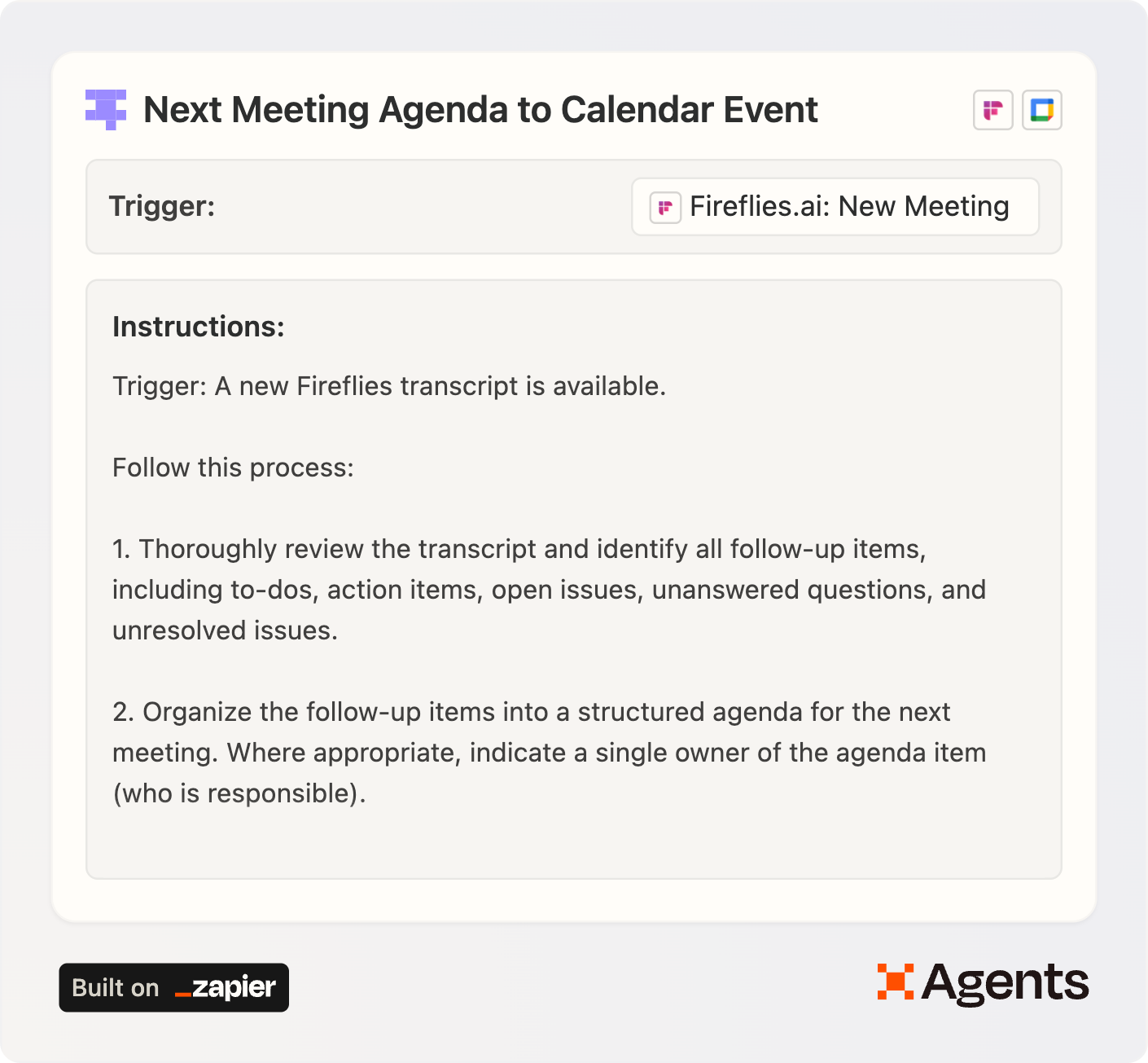
What the agent does
-
After a call ends, your AI notetaker (I use Fireflies) produces a transcript + action items.
-
The agent distills those into a clean, structured agenda for the follow-up meeting.
-
It searches your calendar for the next meeting in the series (same attendees and same/similar title).
-
If it finds one, it appends the agenda to the event description—doesn’t overwrite your Zoom link.
-
If there’s no next meeting, it emails you the agenda + attendee list and reminds you to schedule it.
Quick start guide
-
Click “Use this template.”
Connect: your notetaker app (e.g., Fireflies/Otter/Avoma/Zoom AI), Google Calendar, and Email by Zapier. -
Set the trigger.
In the template, I use “Fireflies: New Meeting.” Include speaker names and set the notes in plain text format. (Different notetaker? Just swap in its “new transcript” trigger.) -
Paste your email(s) into the Instructions.
Under Step 3 of the instructions, replace my addresses with yours so the agent knows which calendars to search. -
Limit calendar access (control is good).
In the “Find Multiple Events” and “Update Event” tools, restrict the agent to only the calendars it should touch. -
Lock down edits.
Allow the agent to modify Description only. Do not allow changes to title, time, or location. -
Keep emails safe.
In “Email by Zapier: Send Outbound Email,” hard-code the To: field to your address so the agent only emails you. -
Test once.
Run it on a recent transcript. Confirm it appended the agenda (didn’t replace anything) and that the email summary looks right.
Tailor it to your stack
-
Notetaker alternatives: Otter, Avoma, Fathom, Zoom AI Companion, Microsoft Copilot, etc. Swap the trigger and keep the same logic. For best results, include speaker names in the transcript.
-
Not on Google Calendar? Add the Microsoft 365/Outlook tools and map the equivalent fields. The logic is identical; parameters differ by provider.
-
Agenda format: Want headers like “Decisions,” “Open Questions,” “Action Items (Owner → Due Date)”? Spell that out in Step 2 of the instructions.
-
Email copy: Tweak the subject lines and body text in the instructions so the confirmation/reminder reads exactly as you want it to.
Guardrails I recommend
-
Limit calendar access: Only the ones you actually use for these meetings.
-
Description-only edits: Prevents accidental title/time/location changes.
-
Fixed recipient: Hard-code the To: field so the agent can’t email anyone else.
-
Plain text outputs: Keeps the agenda readable across devices and clients.
Troubleshooting
-
It didn’t find the next meeting.
Check that attendees match and the title is similar enough. Loosen or tighten that rule in the instructions. -
It overwrote my description.
Ensure the “Update Event” tool is set to append and that the agent is only allowed to modify the description. -
No transcript link in the email.
Your notetaker must expose a URL field. Map/pass that field in the email step, or remove the line from the template.
Why this matters
If the point of a meeting is to create momentum, the easiest win is ensuring every follow-up shows up—automatically—where people will see it next time. No more “what did we say we’d do?” The agenda is already waiting in the calendar.
Template link again: 👉 Use this template on Zapier Agents