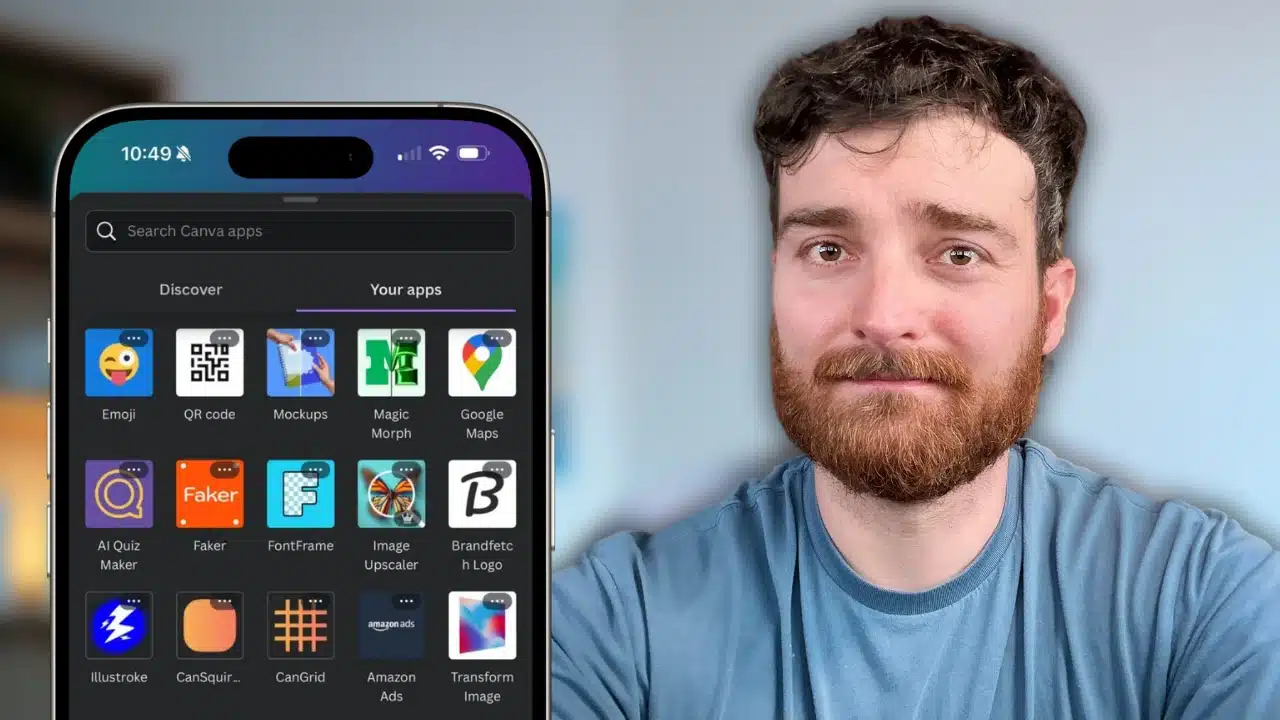
It’s not even debatable that Canva is one of the most powerful tools for content creators. I’ve used it since it came out way back in 2013. However, a lot has changed since then and if you haven’t kept up with their latest “apps” you are likely missing out big time! but you’re likely missing out on some amazing functionality if you aren’t leveraging their apps!
There are, quite literally, 1,000s of them, but I’ve gone ahead and tested 100s for us. I’ve narrowed the best Canva apps down to 12 that I love and think you will too.

Note 1: These are listed in no particular order. Some are more powerful than others, but I have found value in all of them
Notes 2: To locate these apps, go to the “Apps” tab in Canva and just type the names as I’ve shared them in this article.
#1 Mockups
This is my most used Canva app, by far. Mockups are just 3D renderings of designs.
The most common example that I use is for smartphone mockups. I take a screenshot with my phone and then upload the file into Canva.
I then drag the file into Canva and select the style of mockup I want.
Here’s a thumbnail variation I made for this blog post thumbnail using the Mockup app in Canva.
The app can do all sorts of other mockups too, not just phones.
You can also drag and drop things right into pre-built templates, like this…
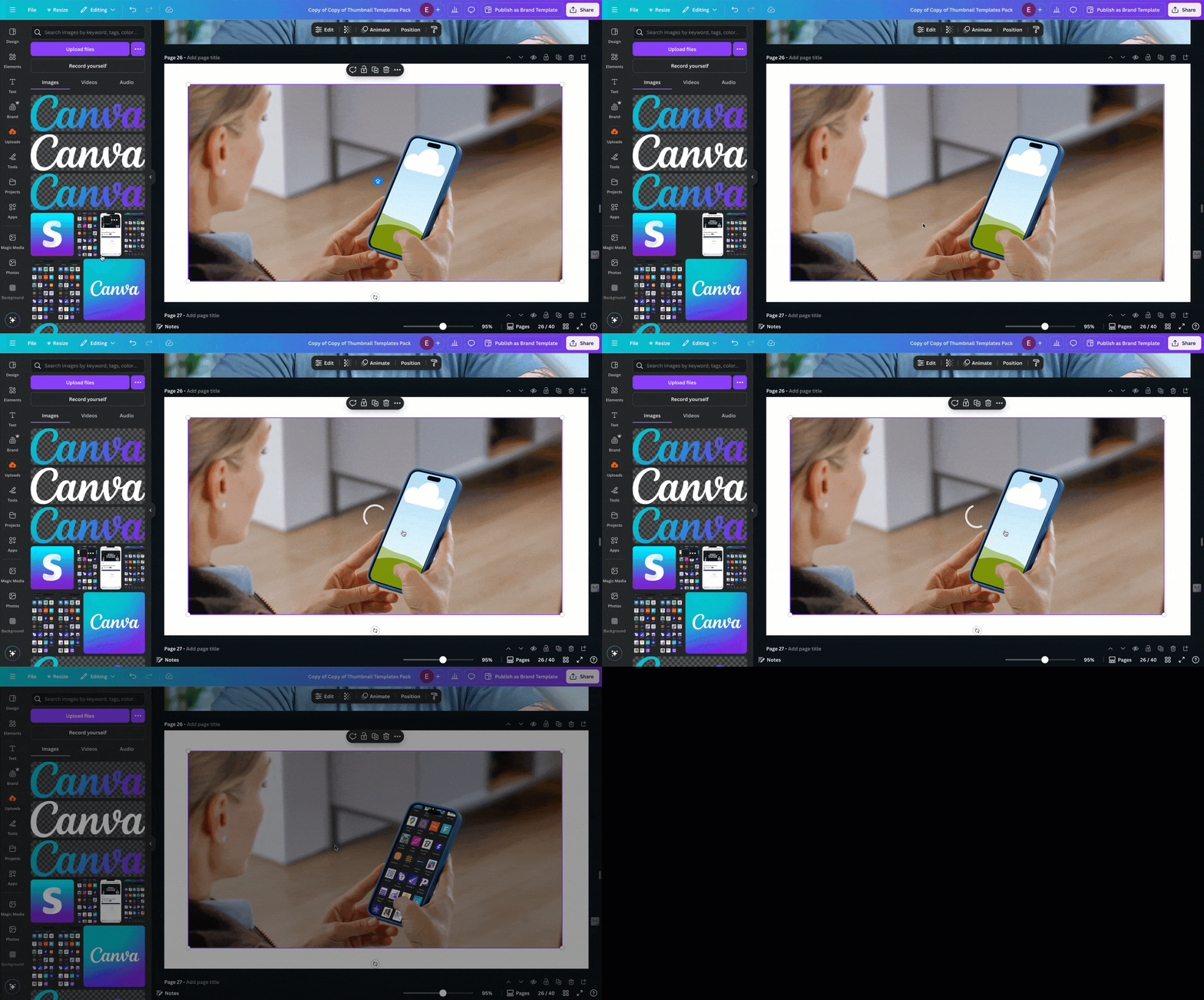
Pretty cool?
It even does videos. Here’s a mockup video showing a mockup I made 😂
#2 Skew App
Turn your designs on the X and Y axis to add perspective.

#3 Emoji
Go beyond the basic emojis on your keyboard and choose from 100s of different resizable emojis.
#4 Gen QR
Create customized QR codes that direct to any URL of your choosing.

Here is the list of app names shown in the image:
#5 Image Upscaler
Boost the resolution of your uploads. It’s not going to work miracles, but it’s pretty helpful.
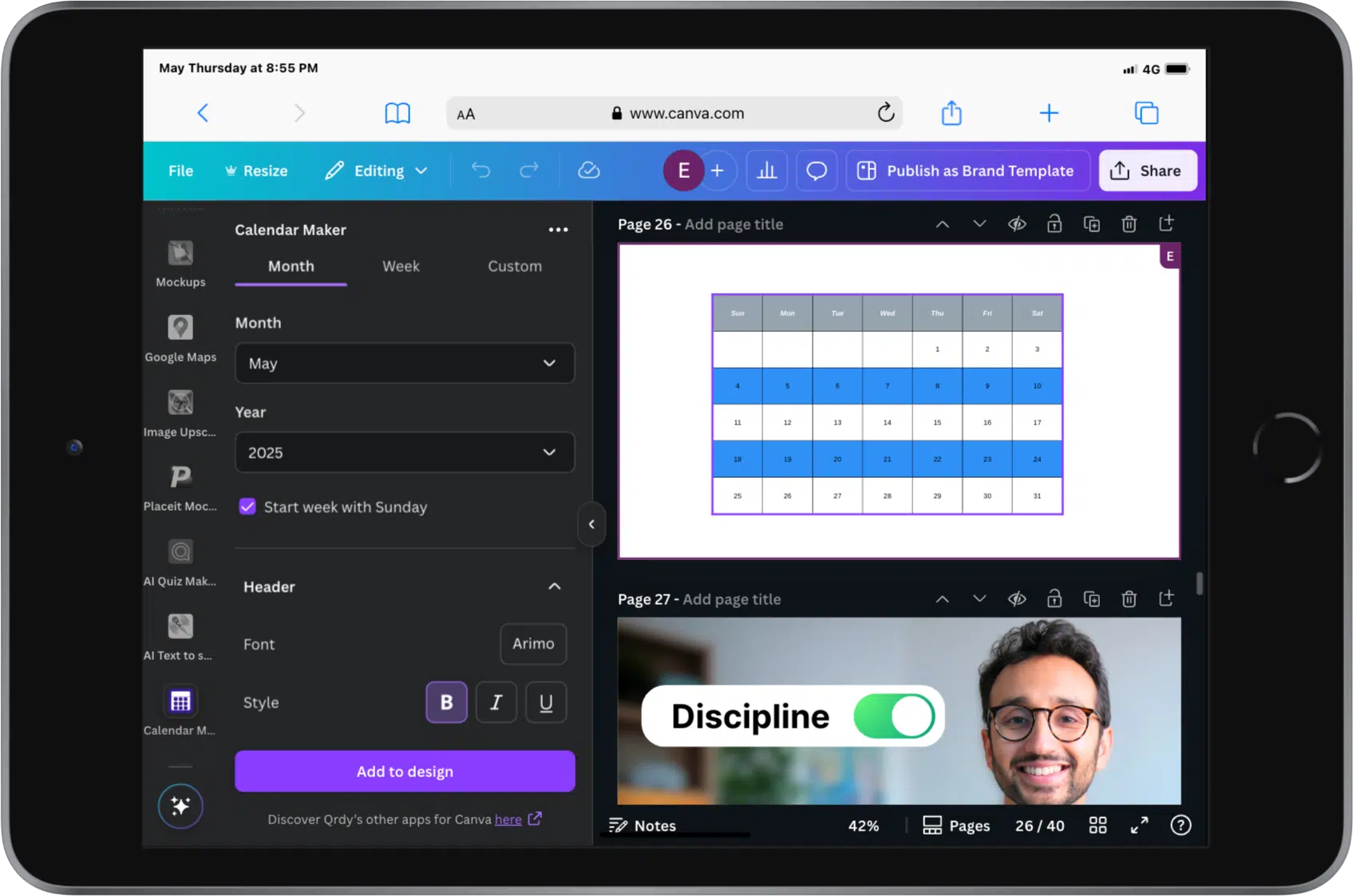
#6 Calendar Maker
Make calendars quickly and easily.
#7 Video Frames
A simple and easy way to grab still frames from your videos.
If you have a YouTube video, for instance, and you want to create a thumbnail, you can upload the video and choose any still frame from the footage.
It exports it to the design as a high-resolution image.
If you make videos for YouTube, you’ll like this feature.
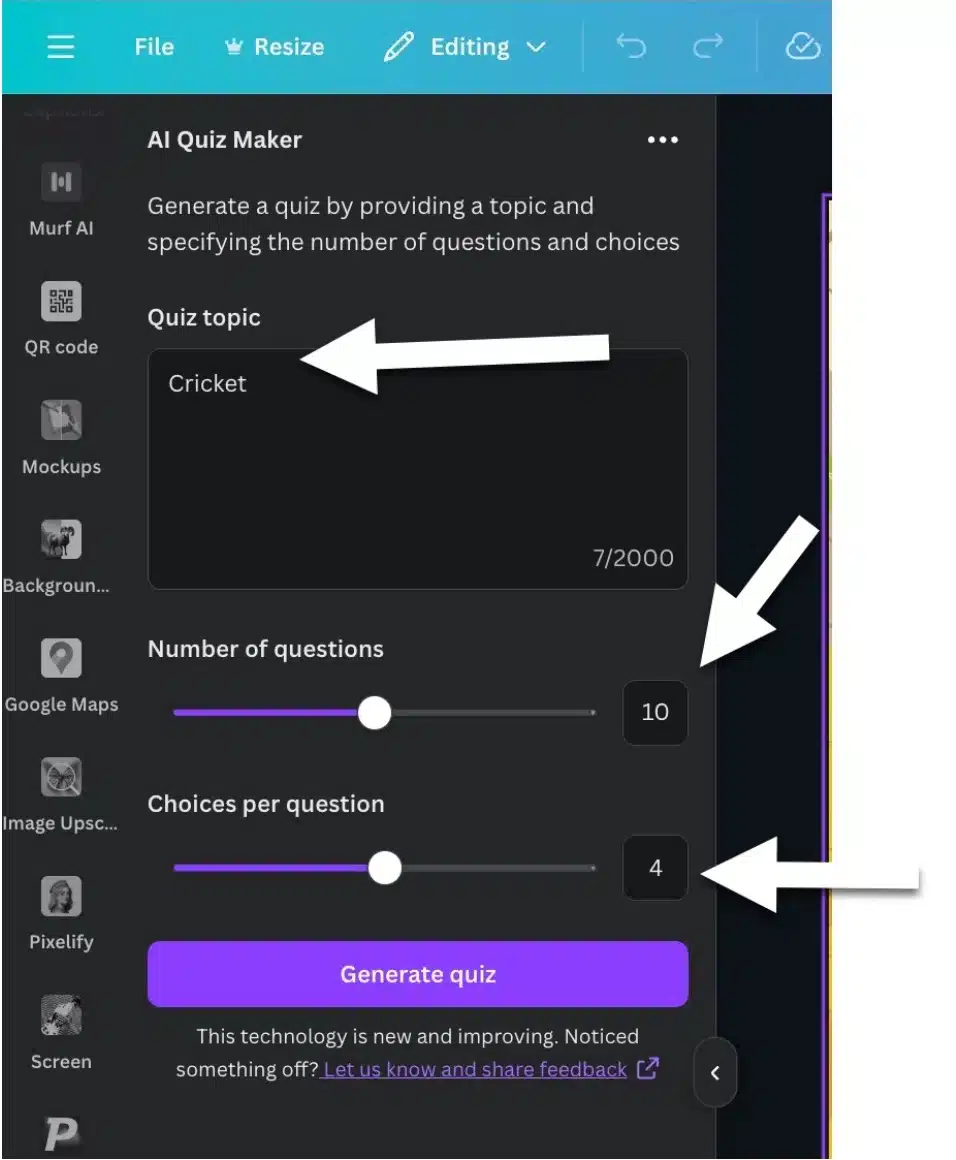
#8 AI Quiz Maker
This one is also very niche, but if you ever need to make quizzes for content, this app makes it easy.
Enter the topic, the number of questions in your quiz and the number of choices per question and it spits out quiz questions for you!
Pair this with a little more tech and Canva templates and you’re off to the races.
I made a post that dives into deeper detail on how to make quiz channel videos on YouTube here.
#9 AI Text to Speech
Not great, but not bad. Type text and get it read out loud. There are premium apps like 11Labs that are available too that I recommend using if you’re serious.
#10 App Icons and #11 BrandFetch
This is a niche need, but I regularly need company logos in my designs.
BrandFetch offers a library of company logos that you can use in your designs.
I lumped it together with App Icons because BrandFetch doesn’t do those.
#12 Faker
Generate place holder data.
Fake names, addresses, lorem ipsum text, etc.
Useful to the right person. Random to most.
Ok that’s it!
Let me know in the comments section below which Canva apps you use and enjoy!