

Animation Journey: From Drawing Cartoons to 3D Worlds
This article is the fifth installment of my Garry’s ongoing journal series, From 2D to 3D. If you haven’t read previous posts, then we recommend starting there:
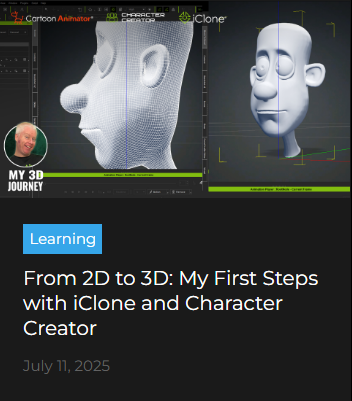
Entry 5 – I made my first 3D character!

With my first 3D character Carl almost complete, the only thing left to do was some small tweaking to put my own fingerprints on his personality. Character Creator gave me the power to customise my characters facial expressions, for his speech visemes and emotions and I was even able to build in my own custom expressions which were more exaggerated and cartoony than the standard human settings.
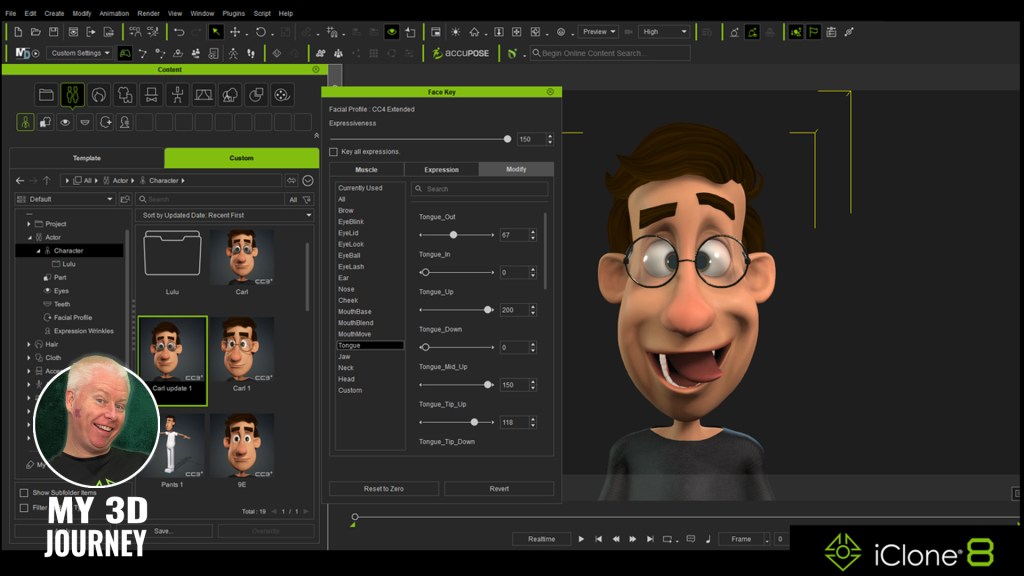
Coming from a background in 2D animation with Cartoon Animator, one thing I am really impressed with in the 3D world is the incredible detail in the face muscles that allow for the most precise keyframing of facial expressions. From subtle, slight motion to extreme, wild expressions, every movement is captured perfectly. And thanks to the Edit Facial menu in Character Creator and iClone, I have precise control over Carls facial movements in three unique ways.
The Muscle option allows me to manipulate specific areas of Carls face, from his cheeks to his tongue, pushing and pulling the muscles around in real time on the model for instant results that can be keyframes. This means you have a visual guide right there on screen alongside your character, and any changes you make to the head model in the menu, affect your characters face in the same place at the same time.
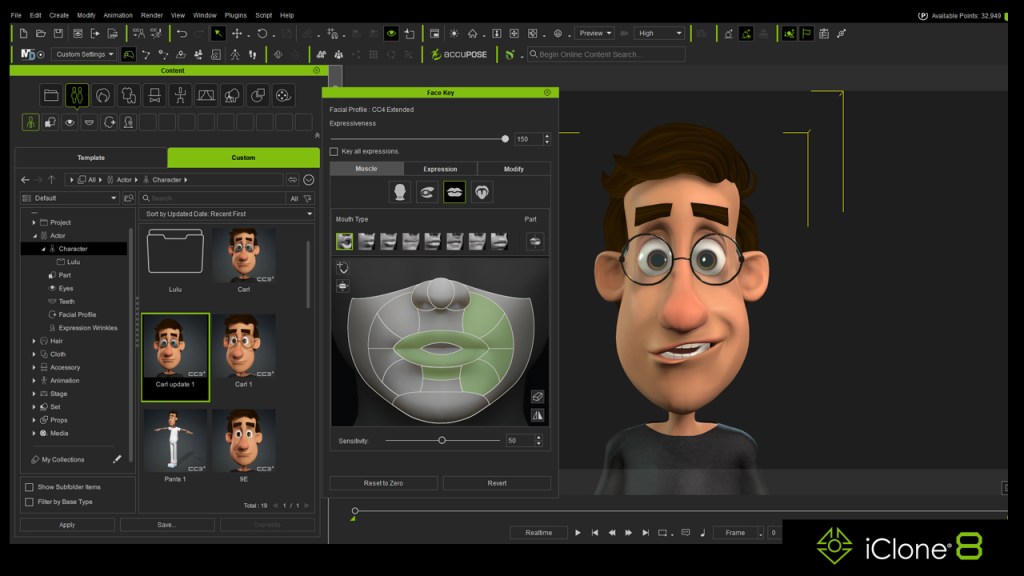
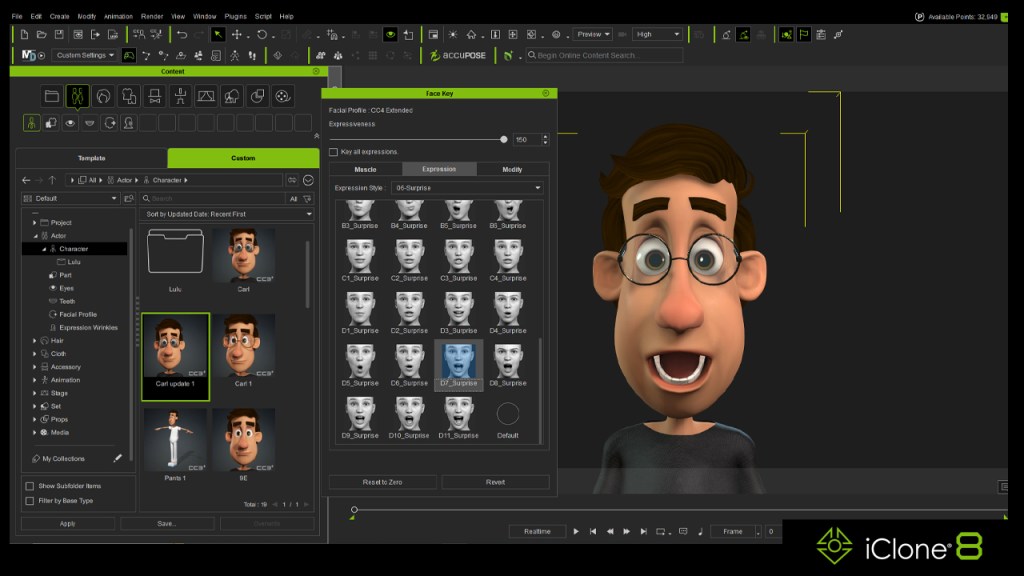
The Expressions list gives me dozens of premade expressions for all different emotions and is the perfect one-click solution (and one that I found myself leaning towards more and more). Every emotion imaginable is available within the list of presets this way and it takes only seconds to breathe life into your character.
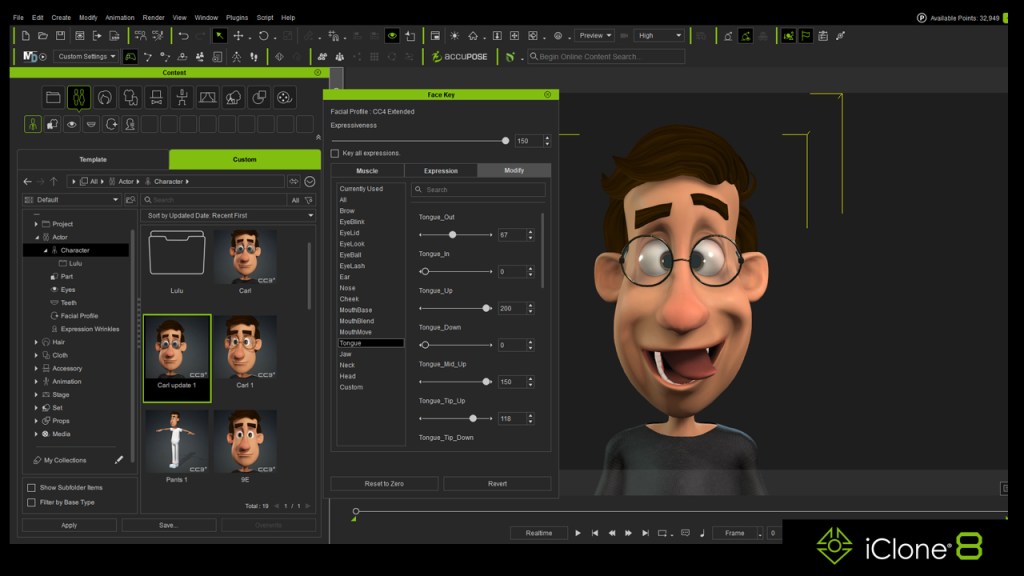
And the third option available for manipulating your characters face is the Modify tab. Here you are presented with a long list of sliders which you can tweak for precise control over every aspect of your characters face. Here I was also able to control the custom facial expressions built into Carl and the coolest thing about the Modify sliders is that you can manually over ride their maximum range far beyond their limit of 100% to give some truly comical and outrageous results.
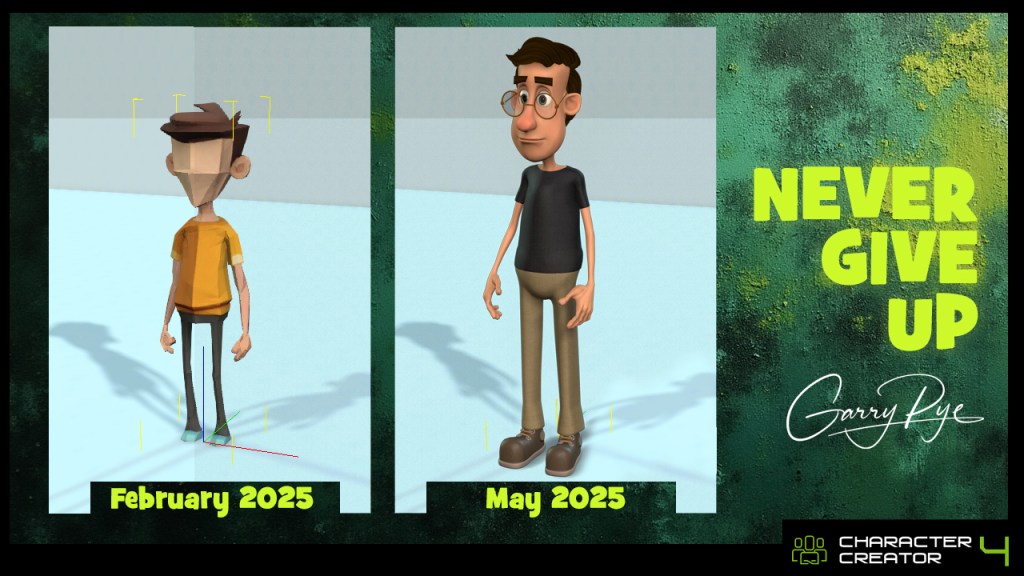
It has been 4 months now since I started my journey trying to learn 3D animation with iClone and Character Creator. And today for the first time I have fully working custom character built from scratch by me. And I couldn’t be more proud of this achievement. I do need to point out that I did not do this all on my own. I had incredible guidance from Rampa Tinling and Peter Alexander and amazing support from the entire 3D community.
But he’s mine. I made him.
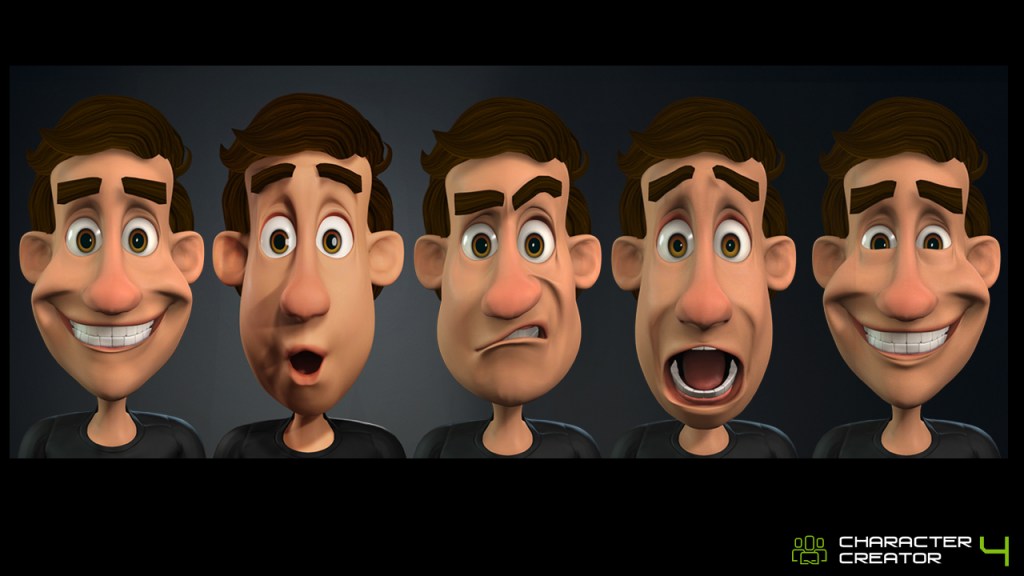
My first ever Cartoon Animator 5 character took me 3 months to build. My first 3D character took 4 months. And I was only able to spend up to 3 hours a day working on him because of my other work commitments. So I feel that’s even more impressive.
But when I say it’s impressive, I don’t mean me. I mean the software is impressive. Full credit goes to the ease of the character creation process that is offered by Character Creator, and the amazing tools of iClone that can bring them to life. When it comes to learning new stuff, I am not the sharpest tool in the shed, but I am proof that this can be done by anyone and that’s great news.
Is it easy? Not for me. Is it possible? Yes, even for me.

Garry Pye – 2D/3D Animator | Content Developer
Garry Pye is an Australian illustrator, animator, and Cartoon Animator instructor with over a decade of experience in the animation industry. Known for his unique blend of creativity and humor, Garry’s work spans from teaching animation techniques to creating innovative content that helps both novice and experienced animators improve their skills.
Garry’s enthusiasm for storytelling and animation shines through in all his projects, whether it’s creating animated shorts, preparing educational tutorials, or sharing his expertise by teaching. With a passion for making animation accessible and fun, Garry has built a community of learners who not only appreciate his knowledge but also his infectious sense of humor and dedication to his craft.
Follow Garry Pye’s iClone Page|2D Animation Page|2D Marketplace
Related Posts