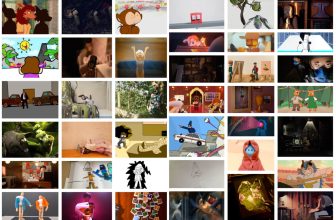


Fast workflow for turning real-life footage into UE5-ready animation
How can an independent animator capture professional-grade motion without suits, markers, or a fully equipped studio? In this creator spotlight, Michael Tiedtke shows how the iClone Video Mocap plug-in can turn simple video footage into polished 3D animation ready for real-time production. With nothing more than a webcam, a smartphone, and a few stock clips, he constructs an entire cinematic sequence — demonstrating how AI-powered mocap can supercharge an animation pipeline for the modern creator.
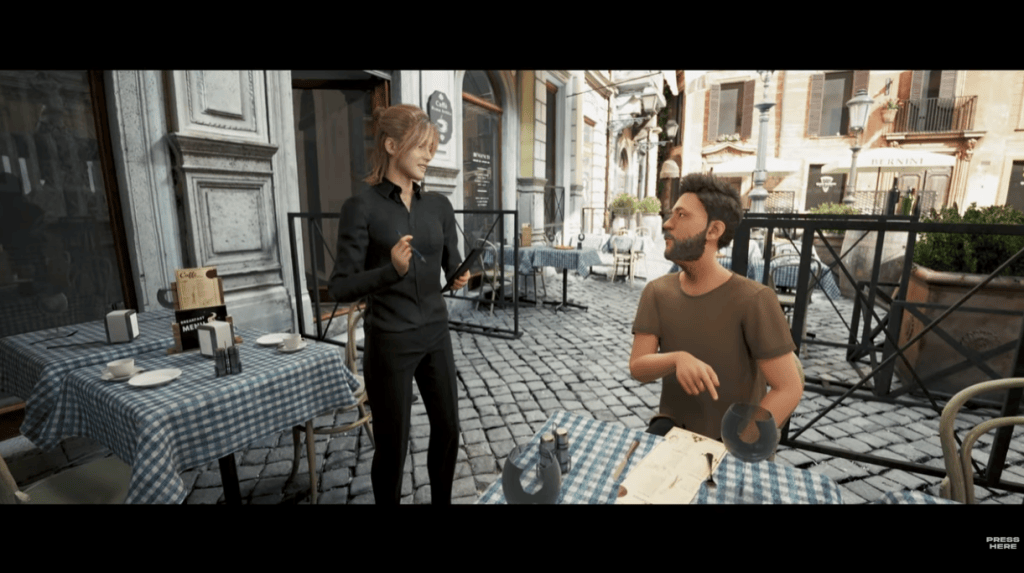
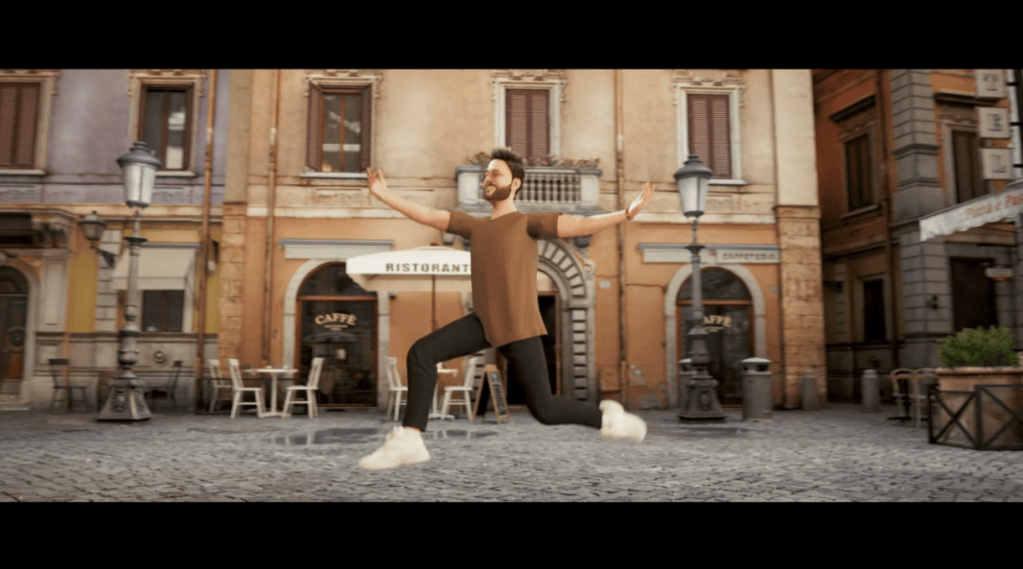

A free live webinar co-hosted by Michael on Nov 20, 2025 (PST/PDT) will demonstrate the complete workflow from video capture to UE5 via iClone.
>> Register Now
Michael Tiedtke
Michael Tiedtke is a Pipeline Technical Director at Stiller Studios, where he develops advanced workflows and tools for real-time animated feature production. His work draws on deep expertise in character rigging, simulation, and the Unreal Engine. He is currently contributing to the film Handbok för Superhjältar – Röda Masken. Outside the studio, Michael runs a widely viewed YouTube channel with over a million views. There he shares practical, production-tested tutorials on 3D, VFX, and real-time animation for artists at all levels.

From Simple Video to Solid Mocap
Michael started with the most accessible recording setup possible: a webcam on a tripod and OBS Studio. Instead of worrying about cinematic lighting or composition, he focused on clarity—giving the AI what it needs to extract clean movement.
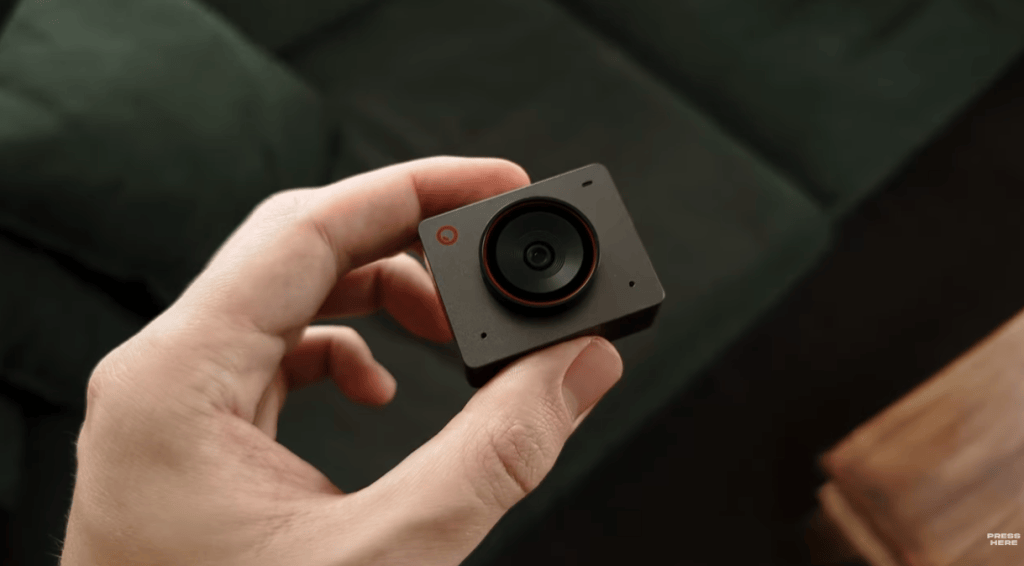
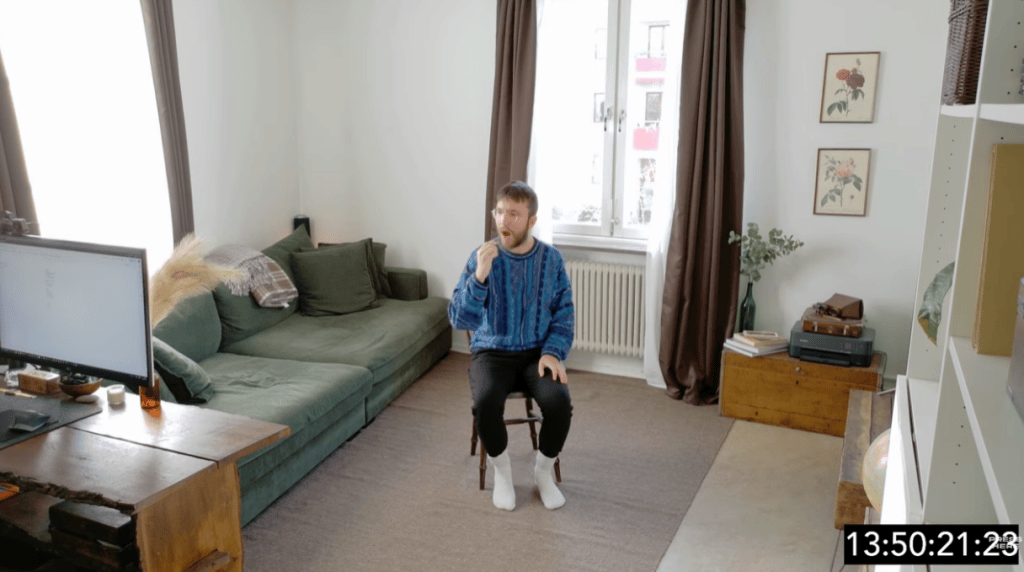
His guidelines for better results:
- Keep the camera at chest or head height.
- Stabilize the frame (no shaking).
- If possible, turn off motion blur.
- Don’t wear baggy clothes.
- Keep the whole body in view as much as possible.
These small considerations help the Video Mocap tool track characters faithfully, even before any editing begins.
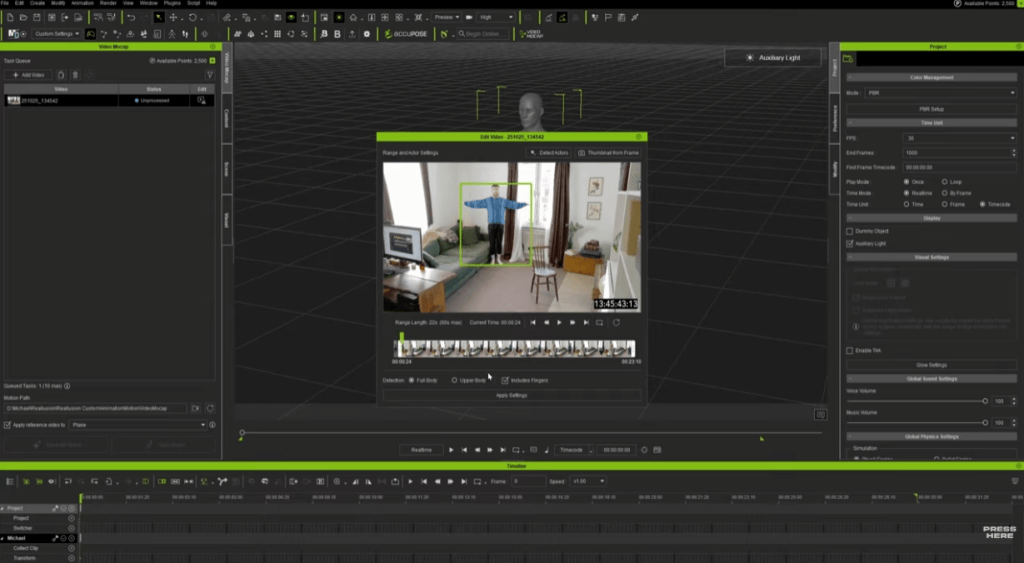
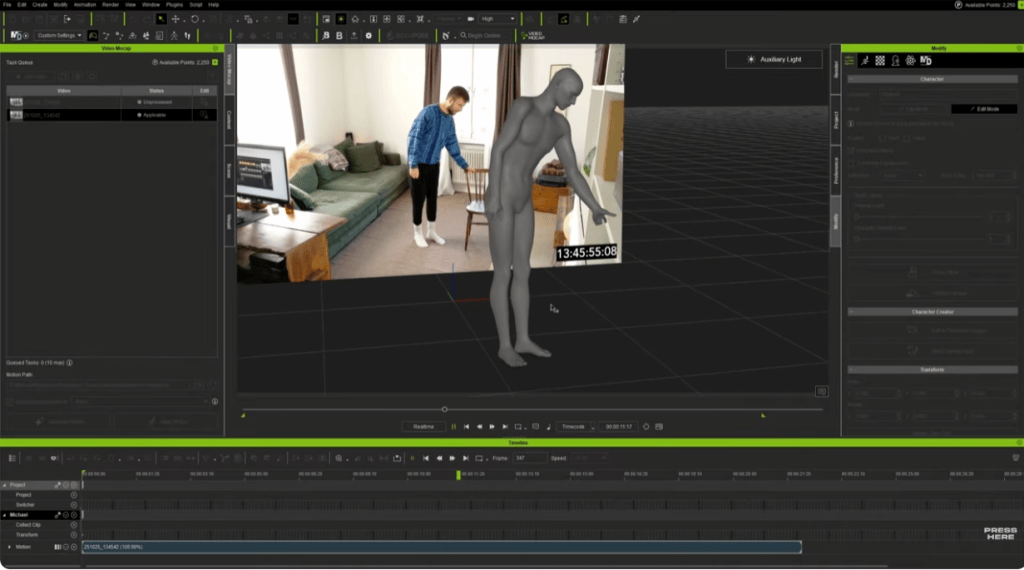
Video Mocap in iClone automatically detects performers, trims the clip, and processes the motion in the cloud. Despite using basic cameras, the results often show strong weight shifts, believable foot contact, and natural movement ready for refinement. The tool is free, and motion generation uses DA Points, offering an affordable, flexible alternative to hardware mocap and other services.
Polishing Motion Inside iClone
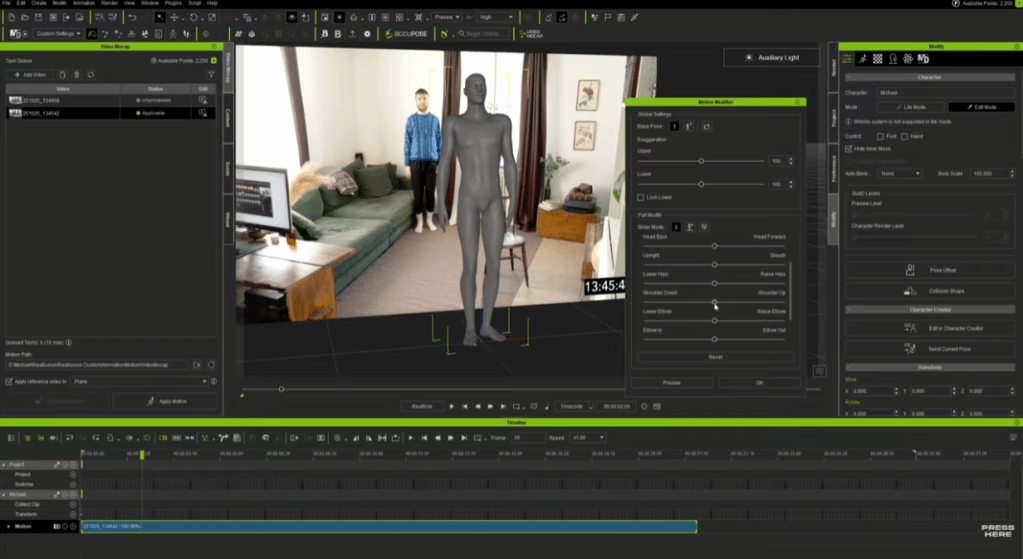
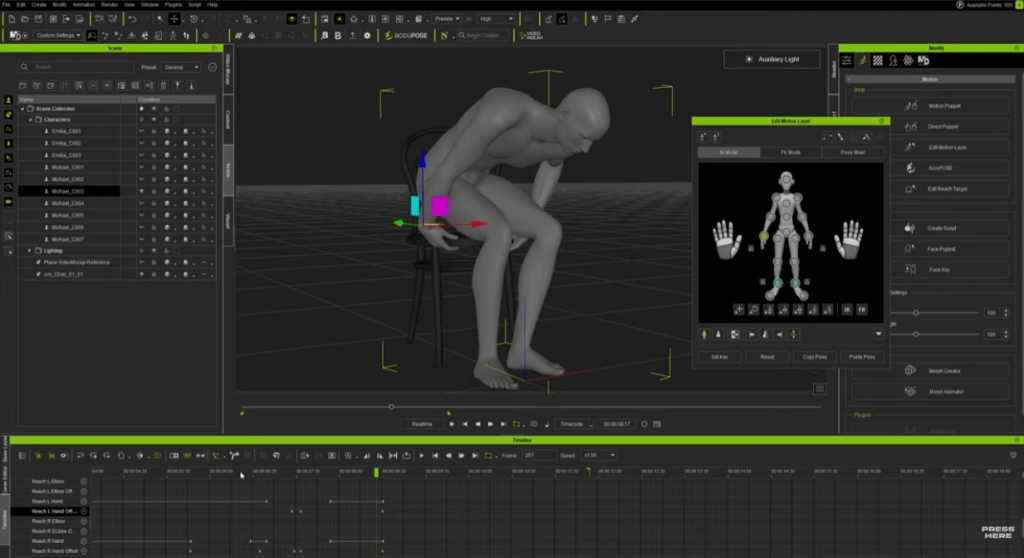
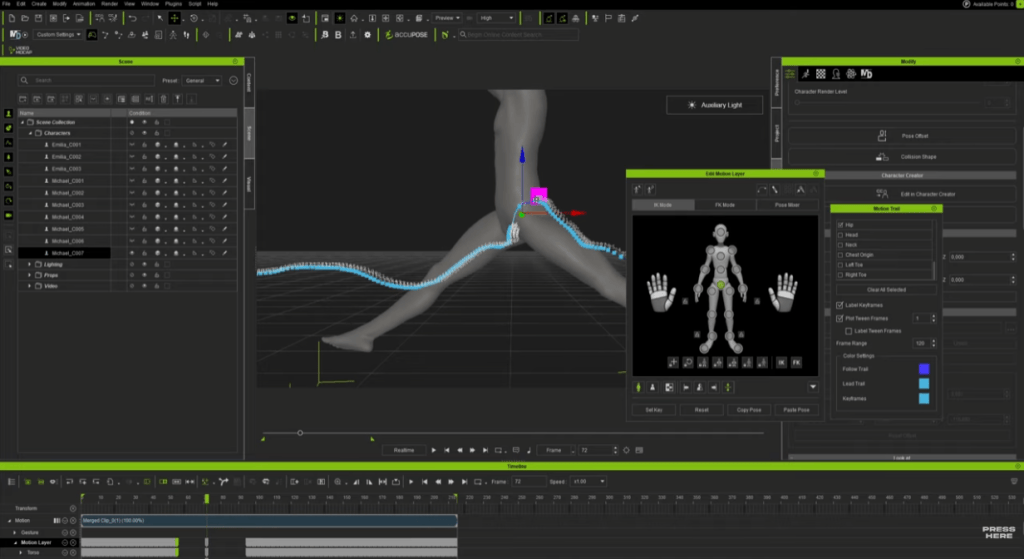
With motion applied to a character, iClone’s animation tools take over. Michael used Motion Modifier for quick posture adjustments, then fine-tunes details with the Motion Layer. Reach Target helped to keep hands locked convincingly to chairs, props, and table surfaces, while Motion Trail helps him sculpt smooth arcs for jumps and flips. Even a short cleanup session can turn raw AI tracking into a production-ready clip.
Recovering Tough Shots
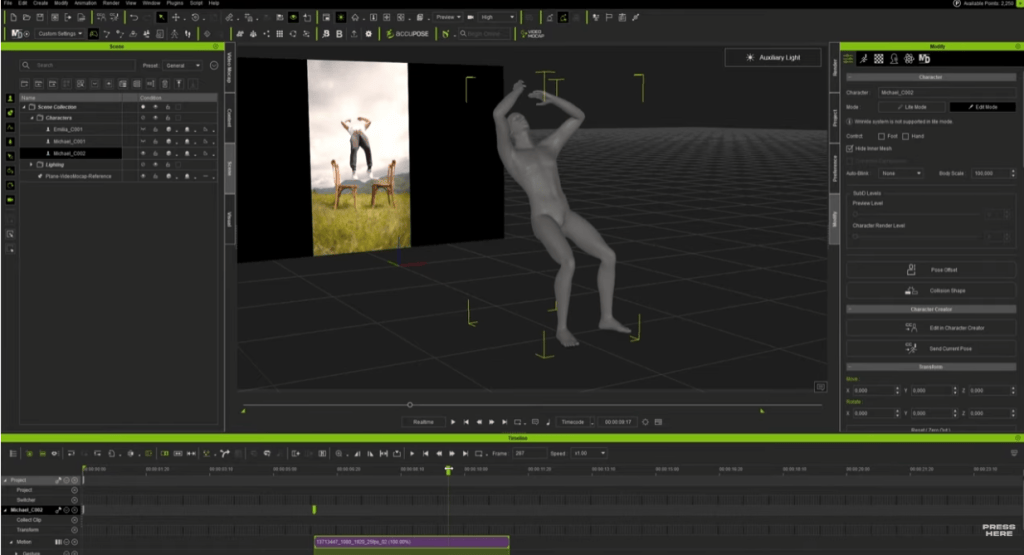
To push the system, Michael intentionally used problematic footage, such as cropped legs, motion blur, fast flips, and a dancer in a white dress on a white background. When tracking failed, he repaired the missing moments with a mix of keyframing and iClone’s motion-editing tools, blending AI-generated and hand-adjusted motion into one seamless animation. Nearly any clip becomes usable with a bit of creative editing.
From iClone to Unreal Engine with Live Link
With his animation polished, Michael sent everything into Unreal Engine 5 through Unreal Live Link. This connection lets him see his iClone characters and motions inside Unreal instantly, making it easy to check timing and placement in the final scene. Any adjustments he made in iClone updated live in Unreal, and once the motion was transferred, he used UE Control Rig to fine-tune character positioning directly in the engine. When everything is lined up, he baked the animation into level sequences for rendering.


A Faster Path to Animation
Michael’s workflow showcases a new era of mocap. That is motion capture from everyday video, converted with the Video Mocap tool, refined in iClone, and finished through Unreal Live Link. The process is fast, flexible, and remarkably accessible, even for creators without studio equipment. His final short film, assembled entirely from these methods, demonstrates just how much can be achieved with a camera, iClone, and a modern real-time pipeline.
Related Posts