
Winner Spotlight: Animated Vlog for the Annecy Festival, France | Cartoon Animator and Affinity Designer


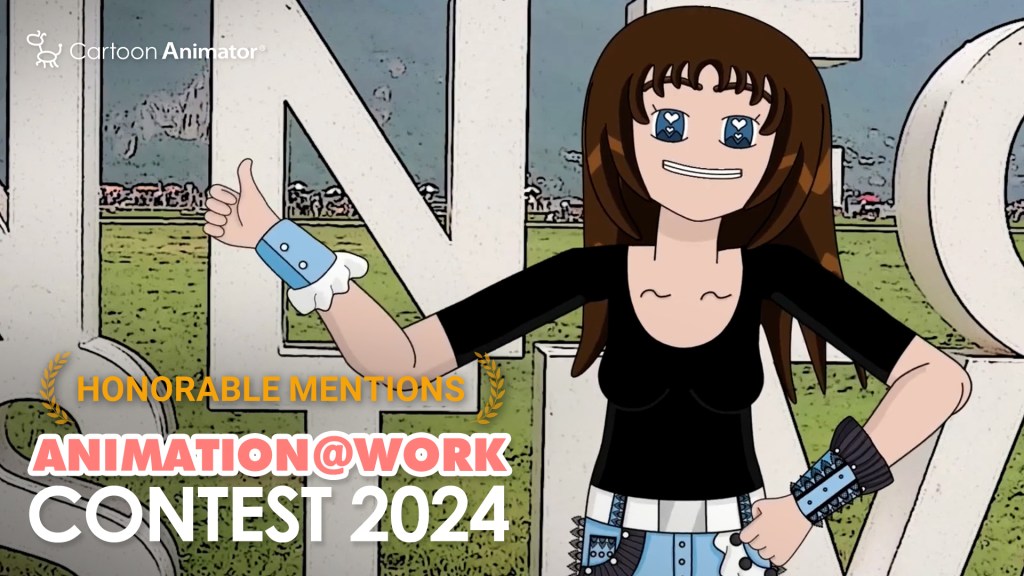
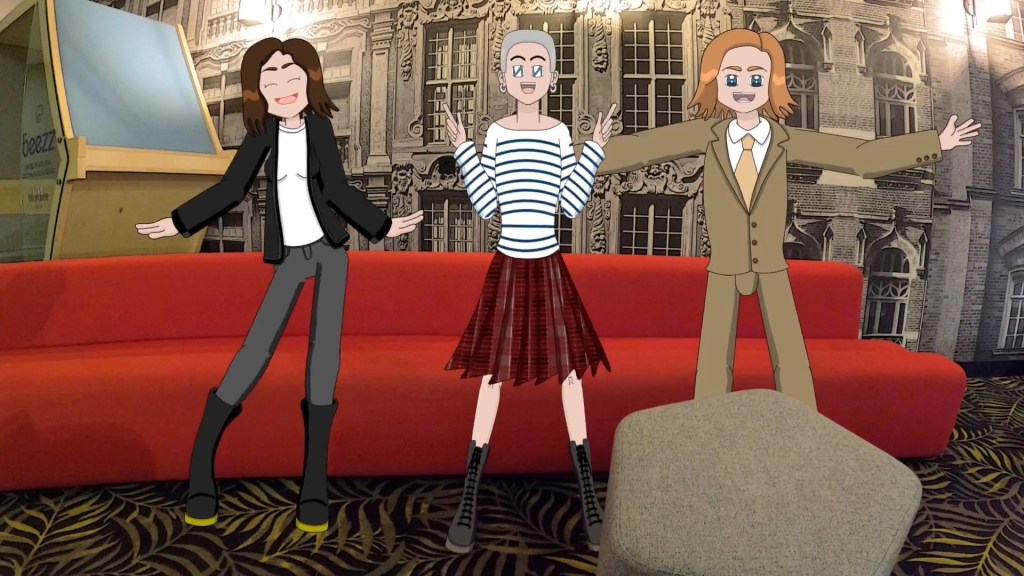
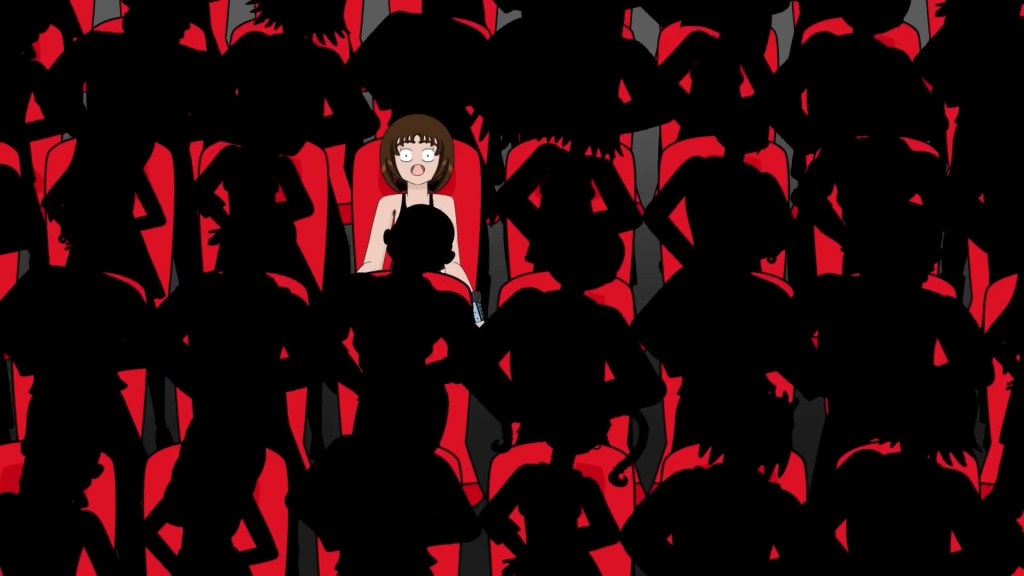
Artist Rebecca Topolsky received an Honorable Mention in the “Comic & Art” category of the Reallusion 2024 Animation At Work Contest. In this article, she shares the creative workflow behind her winning entry, Vlog Animé: LE FESTIVAL D’ANNECY C’EST NUL? and how she brought it to life.

Rebecca Topolsky / RebbyCraft Animation
Hi, I’m Rebecca Topolsky, the creator behind the YouTube channel RebbyCraft. I’ve dreamed of becoming an animator since secondary school, with the goal of creating my own animated series. Back in the 2000s, animation resources were hard to come by, so I spent years exploring different paths—and even took a three-year gap from my studies. Maybe I was just ahead of my time.
Eventually, I enrolled in a vocational school to study graphic design. By then, I had already taught myself the basics of 2D and stop-motion animation, which made the transition to animation school feel natural. My ultimate goal is to become an independent animator—not only as a content creator, but also as a producer of my own original professional productions.
How I Discovered Cartoon Animator
I first discovered Reallusion in 2016 through a simple Google search while looking for animation software that could help me create cartoons without requiring advanced drawing skills. At the time, my drawing abilities—especially for animation—were still developing, and I was frustrated by how that limited my ability to bring my ideas to life.
I tried Reallusion’s CrazyTalk Animator 2, the predecessor of Cartoon Animator, and immediately saw its potential. I felt a natural connection to the software, but struggled with certain aspects, especially animating characters with long hair like mine. Eventually, I set it aside to explore other options like TVPaint and OpenToonz. Everything changed when I purchased Cartoon Animator 4. I committed to learning it on my own by following Reallusion’s tutorials and gradually refining my animation skills.

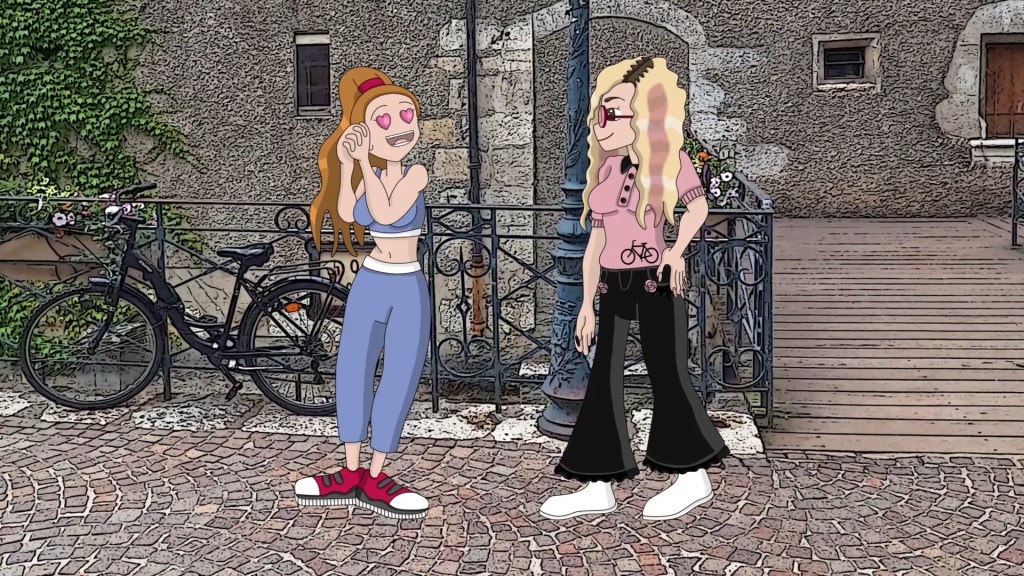
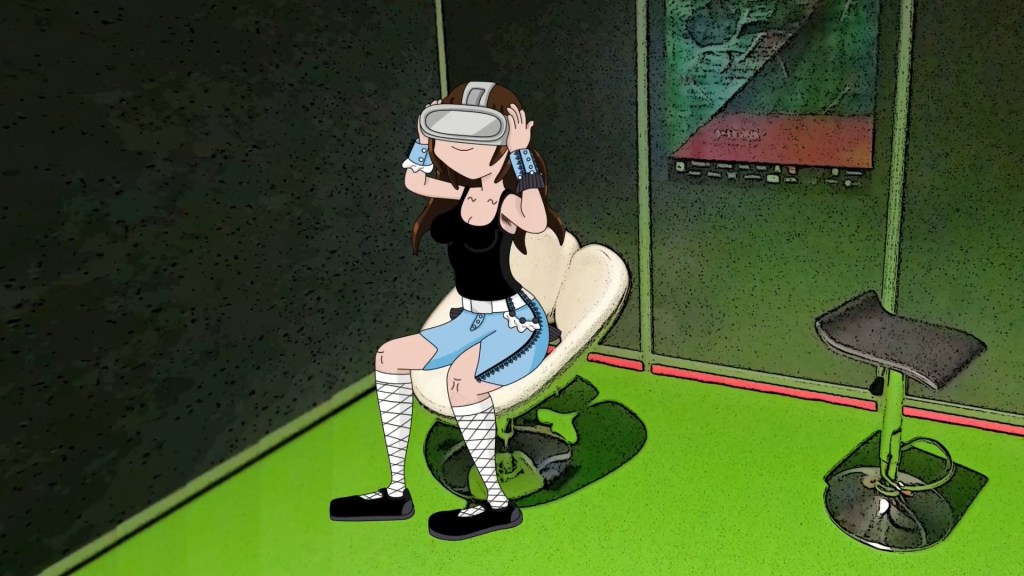
In the meantime, my drawing skills improved significantly after attending animation school. I used to see myself as just a hobbyist without much talent for drawing, but with consistent practice, I gradually got better, and the creative process became much more enjoyable. Discovering and applying Cartoon Animator as my go-to tool made all the difference.
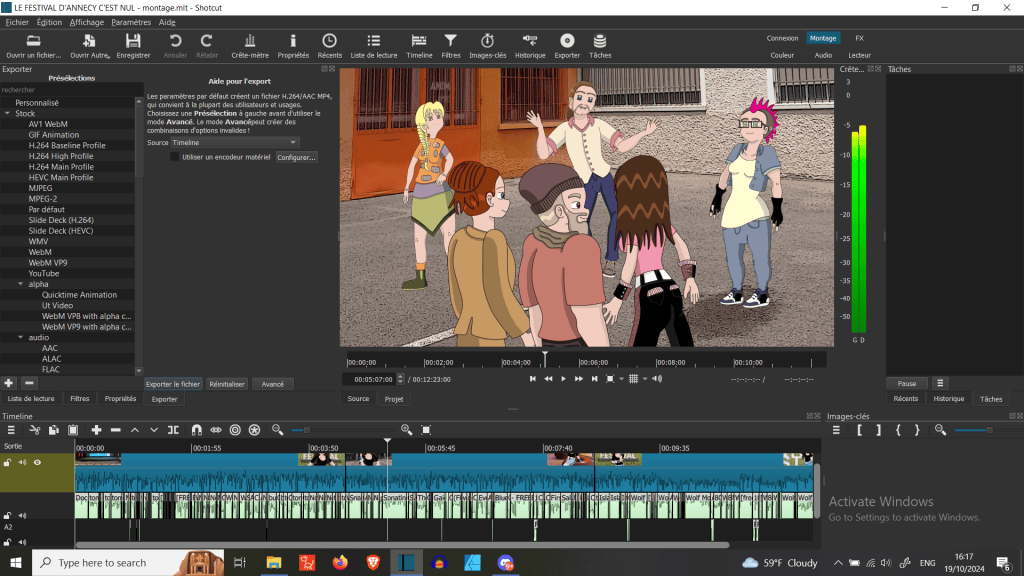
It gave me the confidence to start posting animated videos regularly on my YouTube channel and other social media platforms. I love how easily I can reuse and modify the templates I’ve created, which speeds up my workflow. I have to admit, Cartoon Animator isn’t widely used in France, and that made it feel even more special, almost like the software was tailored for me!
Why did I join using the Annecy Festival VLOG?
I chose my Animated Vlog about the Annecy Festival 2024 as my entry theme because it’s currently the most ambitious long video I’ve made, and it is the most accurate representation of the spirit of my overall channel.
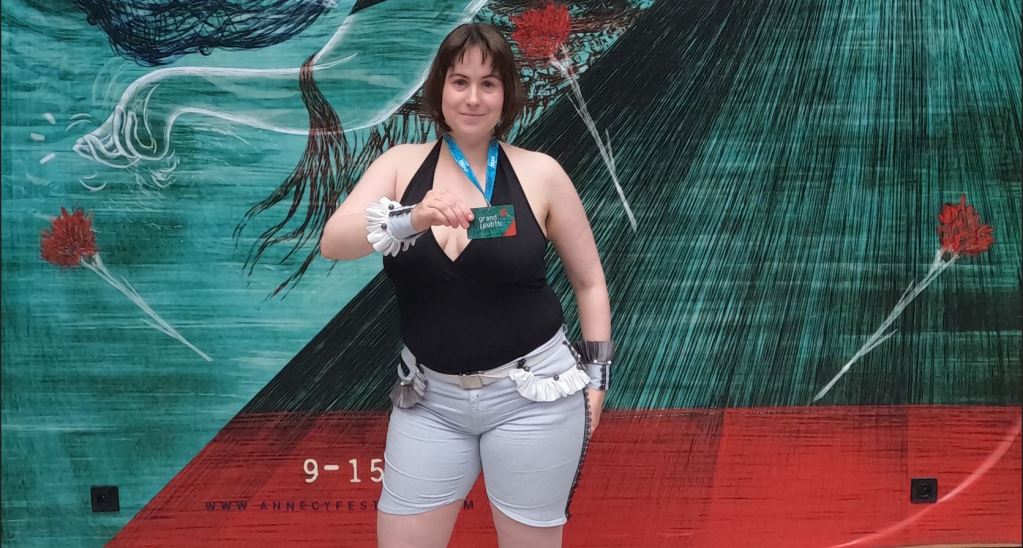
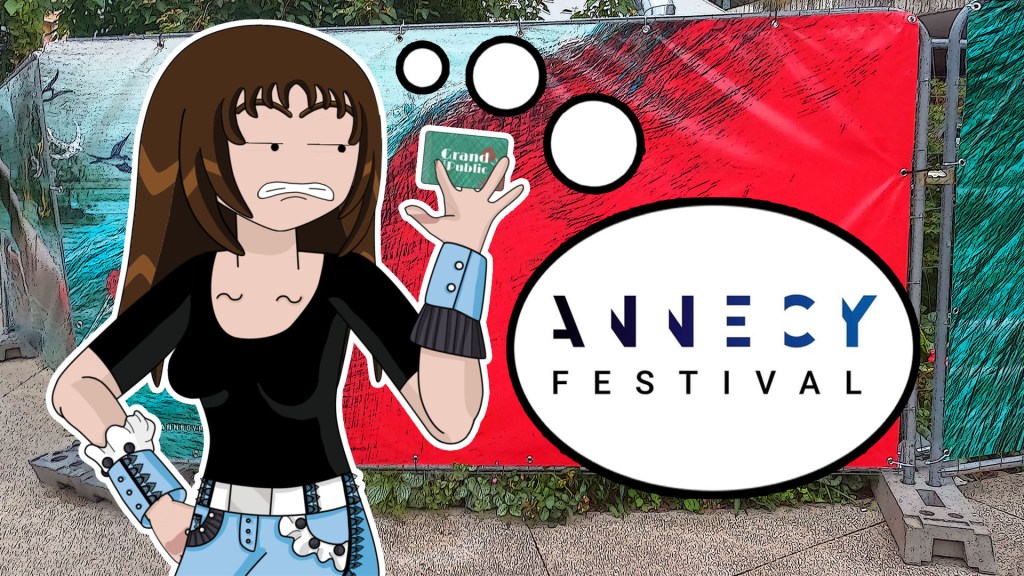
Even though the Annecy Festival is as international as the Cannes Festival, I noticed that not many people, especially cartoon enthusiasts and indie animators, were aware of what goes on inside. It’s a shame because this event has so much to offer, like exposing attendees to a variety of entertainment, work opportunities, art, cultural experiences, and more. With this video, I aimed to introduce the festival as a kind of pop-culture convention and explain why it stands out from the pack.
Storytelling: preparing what to animate
A lot can happen in one day, so I made sure to take as many pictures and videos as I could with my GoPro during the festival, capturing a wide range of scenes for my animated characters. To gather accurate background shots, I visited the event locations a day before the festival started to avoid the crowds. This allowed me to capture the full field of view of specific spots.
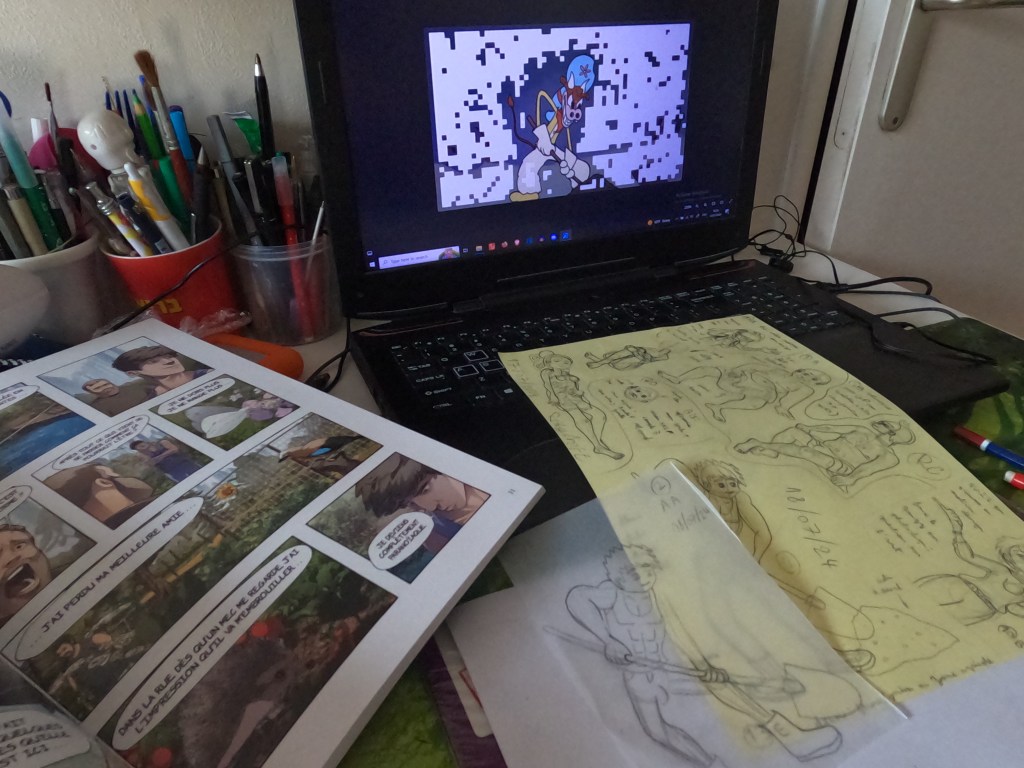
First, I finalized my script, then either sketched the scenes or created a list of what I needed to draw for the story. I scoured the internet for reference images, including poses, suits, props, and more. I also referred to materials I already had, like books, photos, and real-life objects. Finally, I drew my characters by hand on A4 sheets of paper, with the intent to fill each page to the brim before scanning them.
Leveraging Affinity Designer for drawing and character creation
After finishing my pencil drawings, I import them into Photoshop and Affinity Photo to apply subtle comic-style effects.
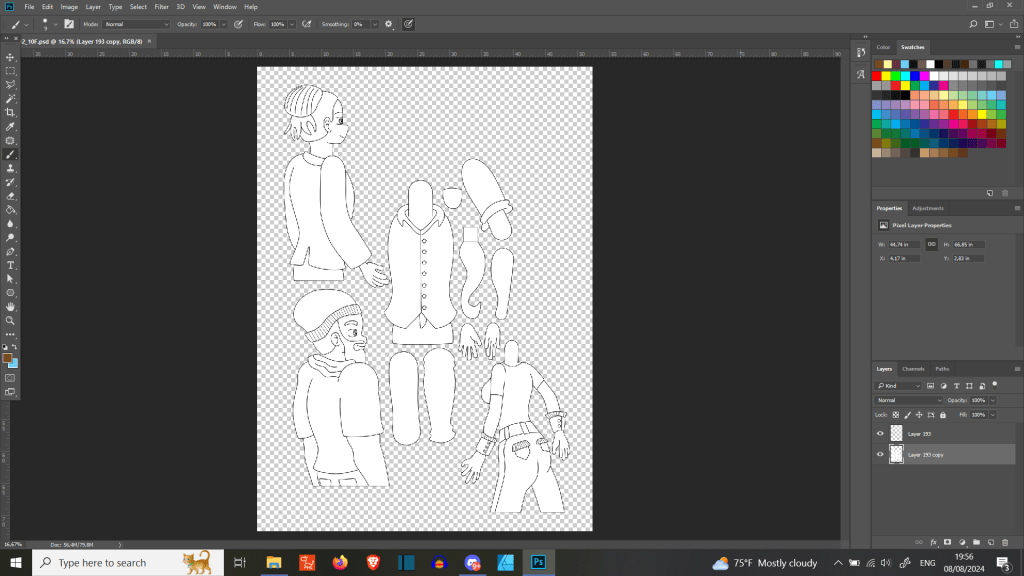
I typically handle the inking in Affinity Designer, then move back to Photoshop to finalize each element with color, shading, patterns, and additional details. This stage also includes character rigging. Once complete, I bring everything into Cartoon Animator 5 to check the rigs and add bones if necessary. Throughout the process, I deliberately skip background illustration due to the time-intensive nature of creating them.
I use a combination of manual and automated methods for animation. I typically automate the foundational movements, then manually refine specific parts—such as the body, head, or accessories—depending on what the scene requires. Making expressions in Cartoon Animator is also very intuitive and worth recommending.
Overall, it took me about four months to complete the video, largely due to numerous revisions of the script and voice recordings. Estimating the drawing time is difficult, as I often experience executive dysfunction. Some days I’m highly productive, while on others, progress is minimal. I’ve dealt with it for many years, and I’ve learned to work with it.

I can draw at least one A4-sized piece each day after spending some time gathering the best references. I prefer not to start digitally, as it lacks the tactile feel I get from traditional tools. It’s easier to infuse my drawings with my signature style, and I only use a basic graphics tablet when I need to maintain consistent size and linework for my characters.
Three things I like about Affinity

A solid Adobe alternative – It works similarly to Adobe, so switching over is easy. If you’re used to Adobe, Affinity feels familiar.
Modern and digital-friendly – Since it was made more recently, it suits today’s needs better, especially for web and screen design over print.
One-time payment – Each app costs under $60, sometimes less during sales. No subscriptions—buy once, own it forever.
About My Main Character
The main inspiration for my character design comes from 20th century cartoons like those from the golden age and the anime Magical Doremi. I love anime and cartoons, so my dream is to see a maximalist blend of both—where elastic animation and intricate details coexist. In fact, different prototypes of this mixed style have existed since 2007. This year marked the beginning of my journey on the internet to further explore and research this idea, especially by visiting MagicalDoremi.net daily to gather inspiration, all with the hope of one day creating my own animated series set in a Y2K-style internet world.

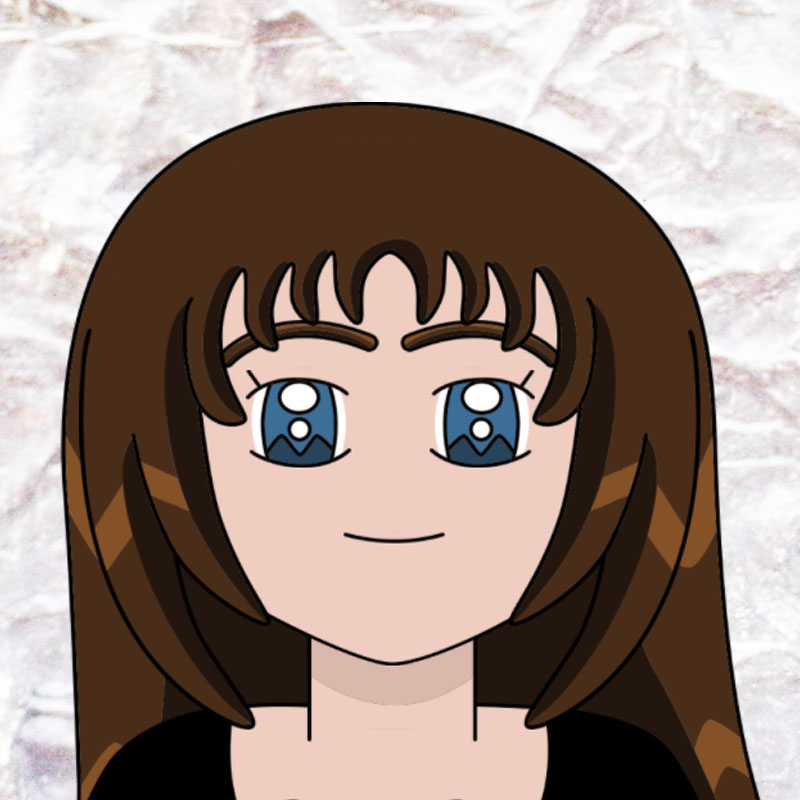
As a teenager, I used to worry that my designs weren’t original enough. But over time, I realized they actually are, mainly because I haven’t come across any copycats. I was even surprised that fans of Magical Doremi didn’t immediately recognize any resemblance between the eyes of Onpu Segawa and my character. Aside from the influences already mentioned, I also draw inspiration from real life—the people around me, specific moments, objects, and personal experiences. Other artistic influences include South Park and Caljbeut, a French animator known for his work on YouTube.
Character Creation
Rigged characters may seem easy to draw, but that’s not always the case—especially if proportions or anatomy aren’t your cup of tea. Despite the challenges, it’s essential to analyze the structure of other sprite characters to see how they’re drawn. Experiment with the templates available in Cartoon Animator, along with any additional templates you might have on hand. Imagining them with volume—like a sculptor would—can help you draw your characters from different angles. Here are some additional pointers:
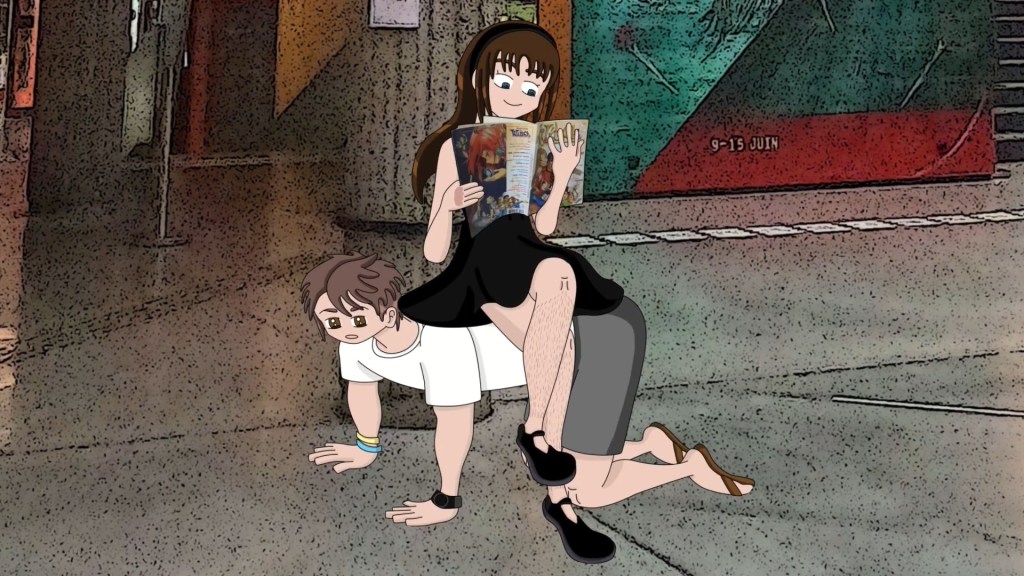
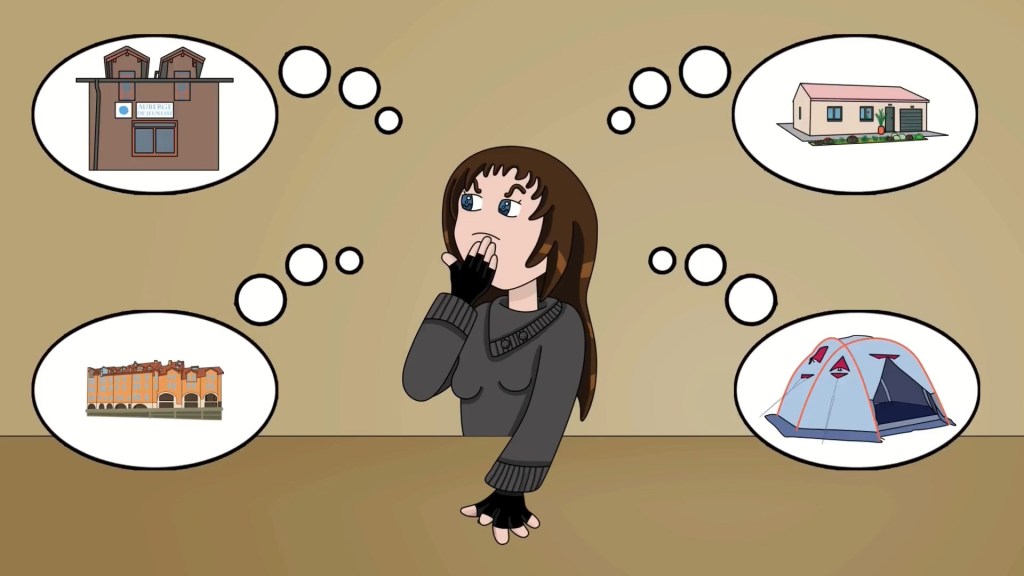
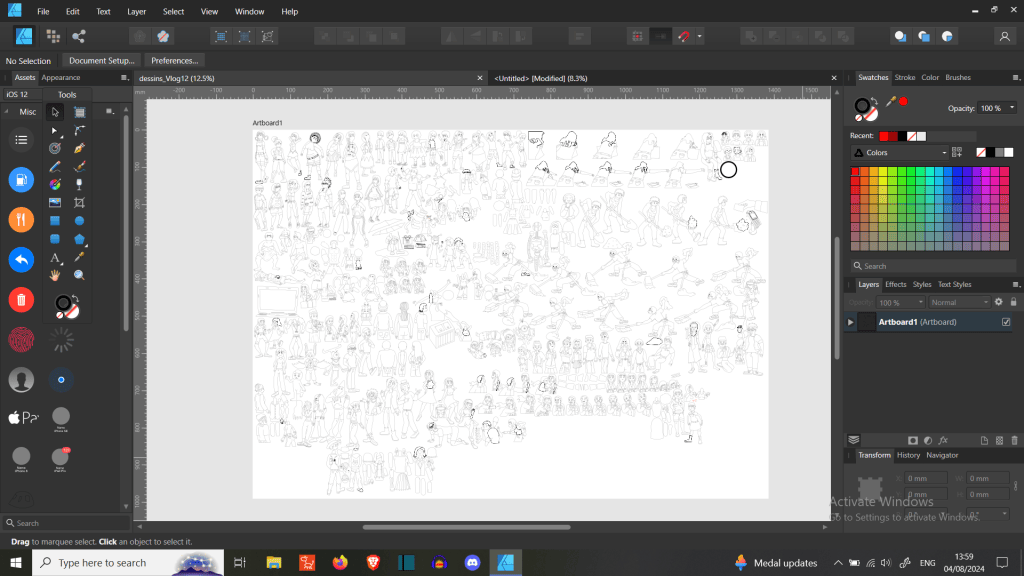
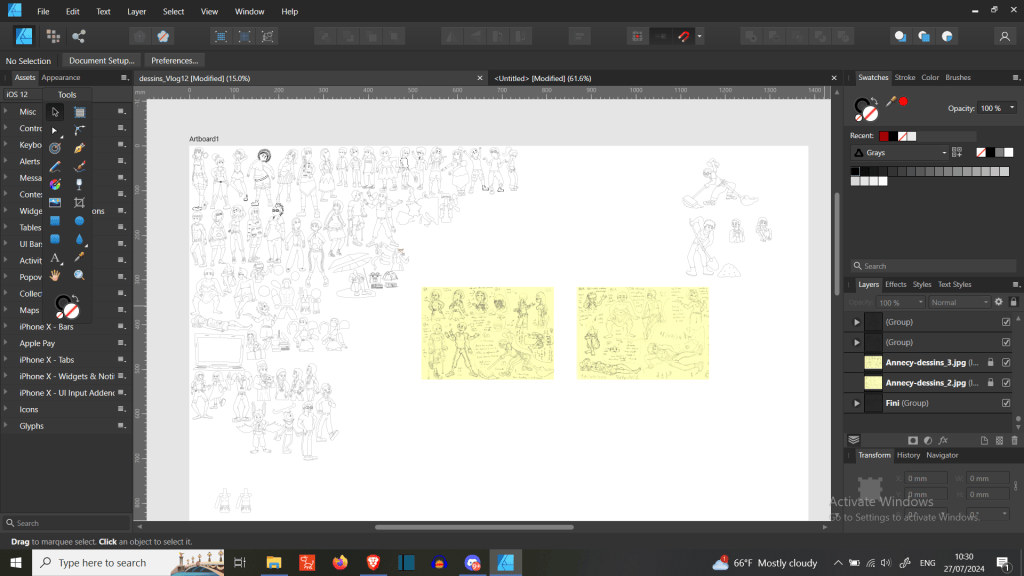
- Don’t hesitate to create round shapes between joints as reference points.
- Keep in mind that sketched characters are rarely 100% symmetrical, but you can correct that during the inking stage.
- When it comes to sprites, the more parts you add, the better the accuracy and smoothness of the final result.
Character Animation
With regular animation, I typically begin by setting up a scene similar to my short content. I import new templates or reuse ones I’ve previously created in Cartoon Animator. First, I place the background, followed by the characters and props. Then I load the voice audio and animate the characters according to the overall theme and their individual emotions.
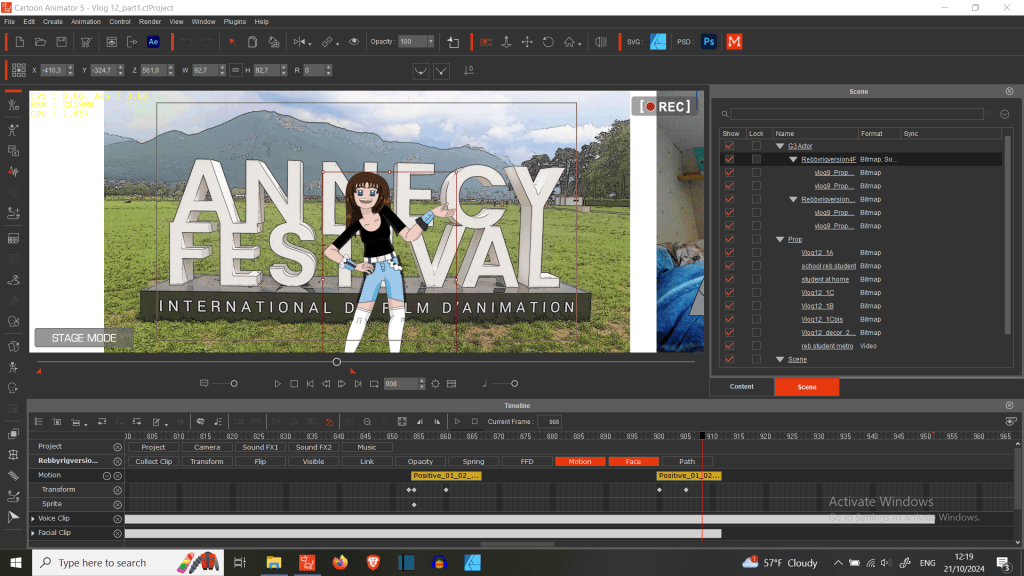
While working, I set the video format to MP4 and adjust the scene length to match the audio. For characters, I add automatic motions or keyframe body movements as needed. I also change hand, leg, and other sprites depending on the specific actions required. Accessory and prop animations are done manually for more precise motion.
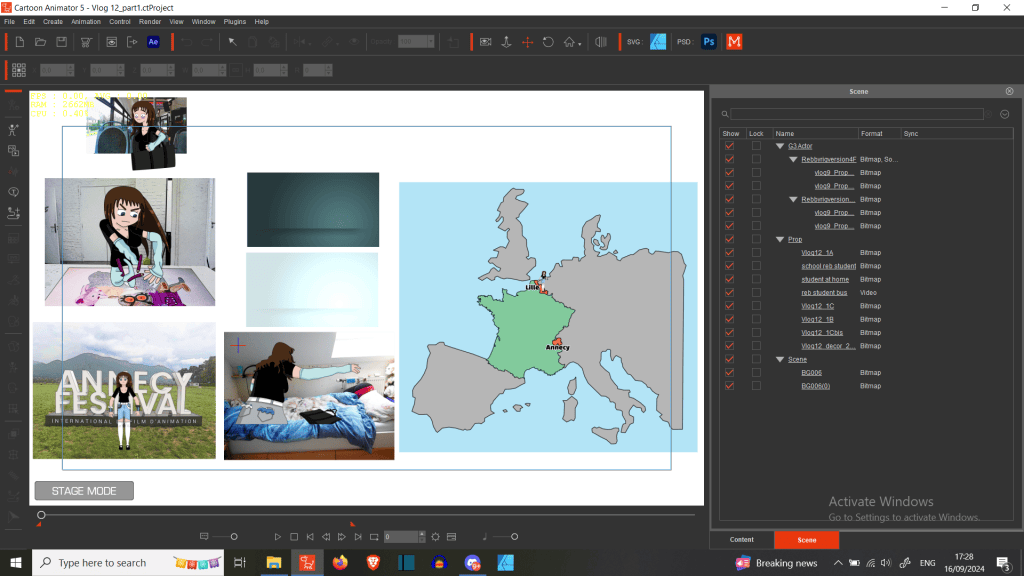
I often animate the head manually but sometimes use automated motions. Usually, I start with template expressions and modify them as needed, then apply transformations. I follow a similar process for details like hair, using deformations where appropriate, and swap eye sprites to match the expression.
For traditional motions, I change out sprites and fine-tune their timing based on the desired speed. Occasionally, I use FFD (free-form deformation) for added flexibility.
Finally, I position the camera to highlight key elements, check the scene thoroughly, render the project, review for errors, and then move on to the next shot.
Staying trendy with TikTok Shorts
At first, I was skeptical of the TikTok short format—its vertical orientation felt difficult to work with, and I worried about potential copyright issues when blending various materials. But I soon realized how much easier it was to gain visibility. As a self-proclaimed nerd, I now prefer producing loads of short videos over constantly promoting my longer projects on other platforms. It frees up more time for me to create and dive into new interests.
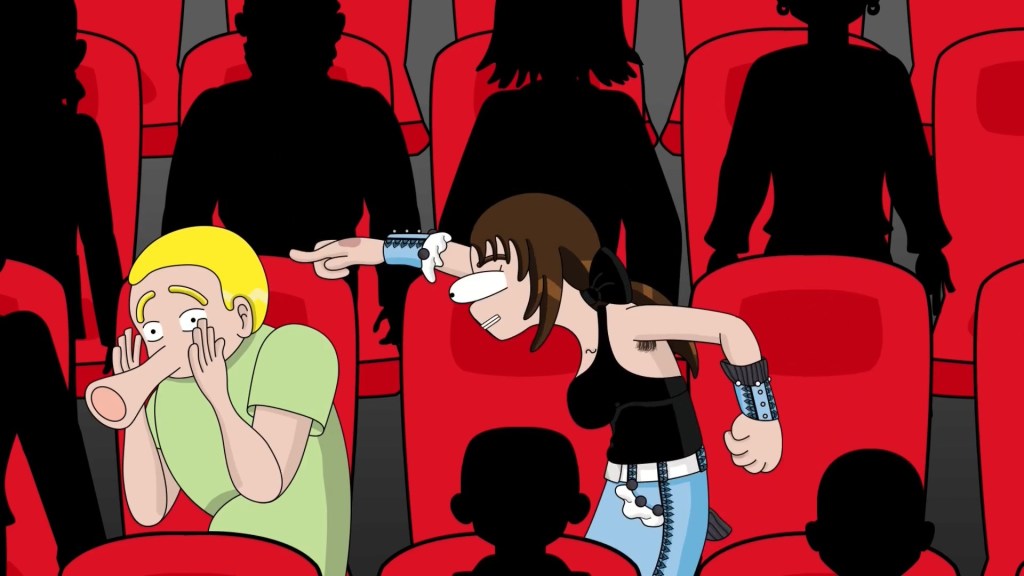
Short video formats offer a unique advantage to animators, especially when limited to 60 seconds or less. The time cap reduces the pressure to produce lengthy content and lowers the barrier to regular posting. In France, many have begun their animation journey through this new medium. Personally, it’s opened the door for me to explore concepts like détournement animé—a style of animation that repurposes existing media (like cartoons or films) to craft new meaning, often for satire, parody, or political commentary.
For this particular animation, I didn’t record any specific audio. I simply focused on building scenes around the main theme. I reused my go-to templates and rigged characters, which were more than enough for this longer format. While working with longer durations, not much is required to capture and hold the viewer’s attention. This workflow also allows me to appear on camera like a Vtuber, join trends, or react to current topics. It’s much easier to produce partial animations on a tight schedule. The more prep work you do in advance—like building reusable assets—the faster and more automated the process becomes. And within that framework, there’s still space for custom animations that enhance engagement and stand out. It’s like raising Tamagotchi pets: the more you nurture your animated characters, the more expressive, efficient, and capable they become.
Video Editing with ShotCut
It took me some time to learn how to edit eye-catching videos. I started by following online tutorials on YouTube, especially from 60s Academy by Alex Bram and Merguez SuperStar on Loann LV’s channel. I also incorporated feedback from others to refine my approach.
The skills I developed for short-form video editing also proved useful when working on longer projects, such as my video about the Annecy Festival. Since animation is incredibly time-consuming—especially for a solo creator—I’ve streamlined my workflow for short videos. I study dynamic content and break down its structure, paying close attention to how elements like music, visuals, and scene transitions maintain a fast rhythm. Nothing should stay static for too long; every part should move in sync with the pacing.
While you can learn a lot through self-study, investing in training gives you access to more tailored advice that can really sharpen your skills. Finally, I wrap up my videos in CapCut, where I add subtitles, apply effects, and finalize the look with filters.
Closing Thoughts
I’m really happy to have taken part in the Reallusion 2024 Animation at Work Contest. Honestly, I wasn’t sure if my video met all the contest criteria, so receiving an Honorable Mention came as a complete surprise—especially since it was my first time entering any Reallusion animation competition. My advice to future contestants: be bold and take a chance. You have nothing to lose and everything to gain.
If you’re interested in my work, feel free to follow me on YouTube, Instagram, and TikTok—I’m very active on all three. You can also find me on other social media platforms!
Follow Rebecca Topolsky


