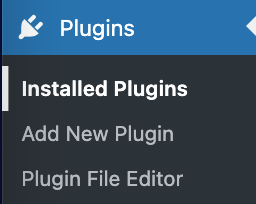
Log into your WordPress Dashboard.
Roll your mouse over Plugins, then click Add New.
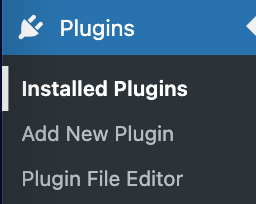
In the search box type wp-recaptcha and hit enter.

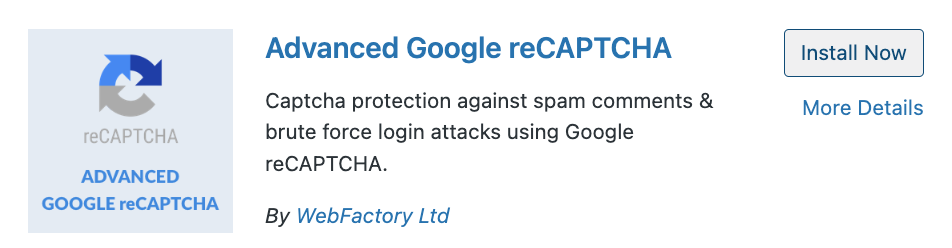
Click Install Now next to the WP-reCAPTCHA plugin.
On the next screen click the Activate Plugin link, and the WP-reCAPTCHA plugin will be installed
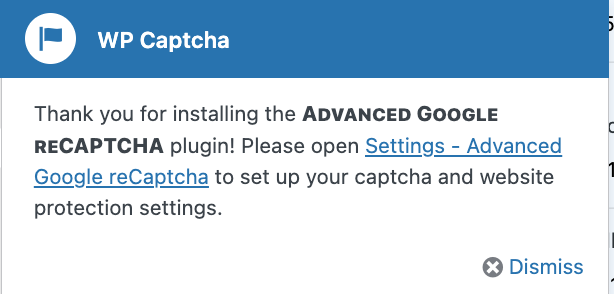
There will be a pop-up, click settings.
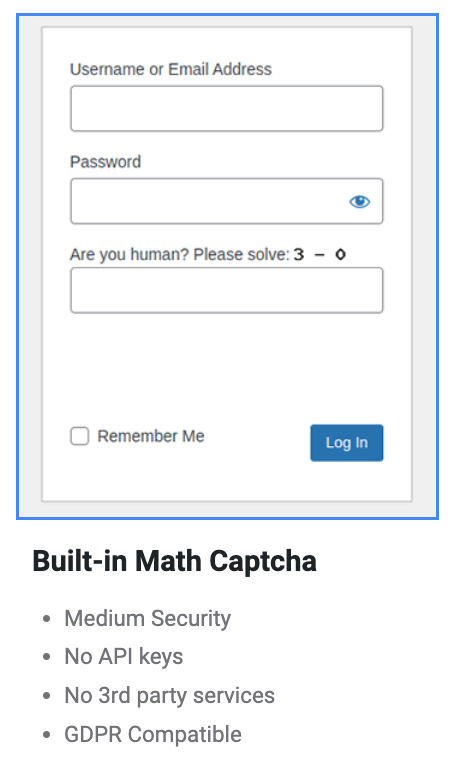
Select one of the options.
Click the Verify Captcha button.

Once verified, click the save changes button and the plugin has been enabled.