The Manual Approaches to Manage Thunderbird Emails
Method 1: Organize Emails into Multiple Folders
Alternatively, users can create additional subfolders and manually move emails into them. This is one of the simplest techniques for managing emails in Thunderbird.
Furthermore, this method reduces the size of individual Thunderbird mailbox files and ensures that the data remains easily accessible within the Thunderbird application.
The Limitations
However, this is not a practical method for managing thousands of emails across multiple folders. Sorting emails manually is time-consuming and may lead to mistakes or accidental email deletions.
Method 2: Archive Older Emails
Additionally, Thunderbird offers a built-in Archive feature that enables users to move older messages into archive folders. Follow the steps below to archive older emails:
- Select the emails you want to move to an archive folder
- Right-click on the emails
- Choose Archive, and Thunderbird creates archive folders and moves the email messages automatically.
The Limitations
During archiving emails, users often mix the emails in a single archive folder, and it leads confusion to find important emails. Additionally, the archive folder does not provide flexible splitting options such as splitting by size, date, year, or folder.
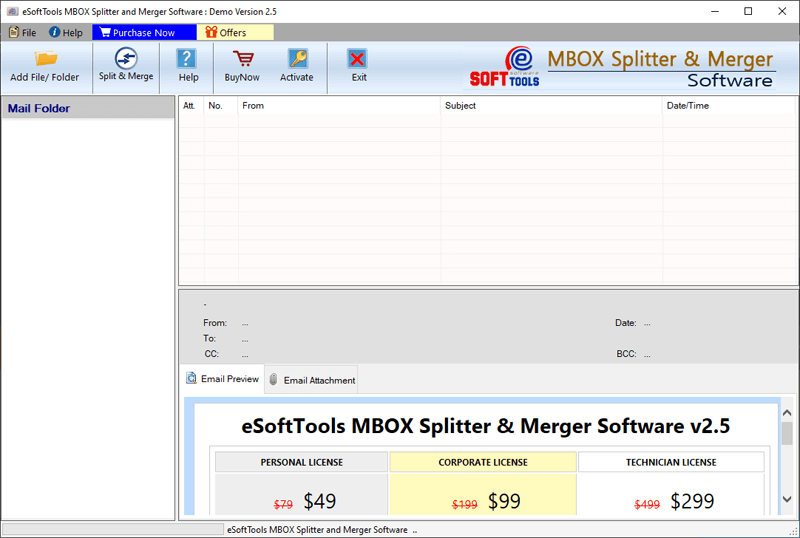
Method 3: Use eSoftTools Thunderbird Mailbox Splitter Tool
When dealing with large-sized Thunderbird Mailbox files that contain several thousands of emails, eSoftTools Thunderbird Mailbox Splitter can help easily and split by multiple criteria such as split by Size, Date, Year, and Folder.
This automated tool saves significant time and effort by efficiently splitting large Thunderbird mailbox files into smaller files.