A new IT system often looks affordable when you only compare the purchase price. The real expense starts after rollout. Monthly license costs increase, and new hardware draws more electricity than the equipment it replaces.
It’s important to look beyond the initial invoice. Ask what the upgrade will require six months from now, then look at the staff time needed to keep everything running. Let’s take a closer look at the IT upgrades that quietly inflate operating costs.
Cloud Migration Creates Bills
Cloud platforms attract businesses because they remove some upfront hardware costs. The problems start when teams move workloads without setting clear limits.
Unused storage keeps generating charges. On the other hand, oversized computing resources add another monthly expense. Start by reviewing cloud usage every month. Look for resources nobody owns anymore. Shut down temporary environments once teams finish using them.
Cloud spending also deserves an internal owner. Someone should understand why costs changed from one month to the next. Otherwise, the finance team sees a growing invoice without knowing the cause.
Watch Data Transfer Costs
Moving large amounts of data between services sometimes creates fees that teams overlook during planning. Ask your IT team where data moves during normal operations. Then compare those patterns with the pricing model. A small architecture change might reduce recurring expenses without affecting employees.
Software Bundles Often Outgrow Their Value
Software companies often encourage businesses to move into larger plans as they grow. The upgrade sounds reasonable because the package includes more features. Then six months pass, and employees use three of those features while the business pays for fifteen.
Before renewing a large software contract, check:
-
Which employees still use the platform
-
Which features teams use regularly
-
Which accounts belong to former workers
-
Which departments pay for similar tools
-
Which licenses could move to lower tiers
A licensing review might feel tedious, but the savings often justify the afternoon.
Cybersecurity Tools Add More Than Subscription Costs
Businesses need strong security, but that does not mean every new security product automatically improves protection. Security platforms often require configuration after purchase.
If you keep adding products without removing older ones, employees end up dealing with overlapping systems. IT staff then spend more time managing tools instead of improving security. Start with the risk you need to address. Choose technology around that problem instead of buying whatever security platform has the longest feature list.
New Servers Increase Cooling Costs Too
A server upgrade affects more than computing capacity. New hardware also changes the power and cooling needs inside your facility. Higher-density equipment concentrates more heat into a smaller area. Your cooling system then works harder to keep the room within safe operating temperatures. Before installing new servers, ask facilities staff to review the room. Existing cooling might handle the current load but struggle after the upgrade.
Look Beyond the Rack
Electrical infrastructure deserves the same attention. More equipment places additional demand on the power distribution system.
Maintenance teams sometimes use thermal imaging protocols for power whips to identify abnormal heat around electrical connections before the problem becomes a failure. This type of inspection supports preventive maintenance around high-load infrastructure.
A server upgrade that requires more cooling and electrical maintenance also changes your ongoing operating costs. Put those expenses into the project budget before leadership approves the purchase.
Faster Networks Create New Equipment Needs
Businesses often upgrade network speeds when employees complain about slow applications. Sometimes the improvement makes sense, but other times, the upgrade exposes another bottleneck.
A faster core network might require new switches. Older cabling might no longer support the target speed, and remote offices might need updated firewalls. Before replacing network equipment, find the source of the slowdown. Measure actual traffic and check whether a single application is causing the problem.
You might find that the network itself works fine. A poorly configured application or overloaded server might deserve attention instead.
AI Tools Add Costs Faster Than Teams Expect
AI platforms have entered marketing, customer service, development, and office workflows. The first subscription often looks inexpensive.
However, usage-based pricing changes the picture once more employees start using the service. API charges often grow as automated workflows expand, then premium features add another layer of spending.
Set clear rules before rolling an AI tool across the company. Then track whether the technology saves enough staff time to support the cost.
Remote Work Upgrades Need a Replacement Budget
Remote work equipment eventually wears out. Laptops age, and headsets disappear into the mysterious void where office equipment retires. Many businesses budget for the initial remote setup but forget the replacement cycle. A company with hundreds of employees eventually faces a steady stream of hardware requests.
Create a replacement policy before those requests pile up! Define how long you expect standard equipment to last. Keep a small pool of approved replacement devices ready. Consistency also reduces support costs. When employees use dozens of laptop models, IT teams spend more time troubleshooting device-specific problems.
Automation Sometimes Moves the Work, Not Remove It
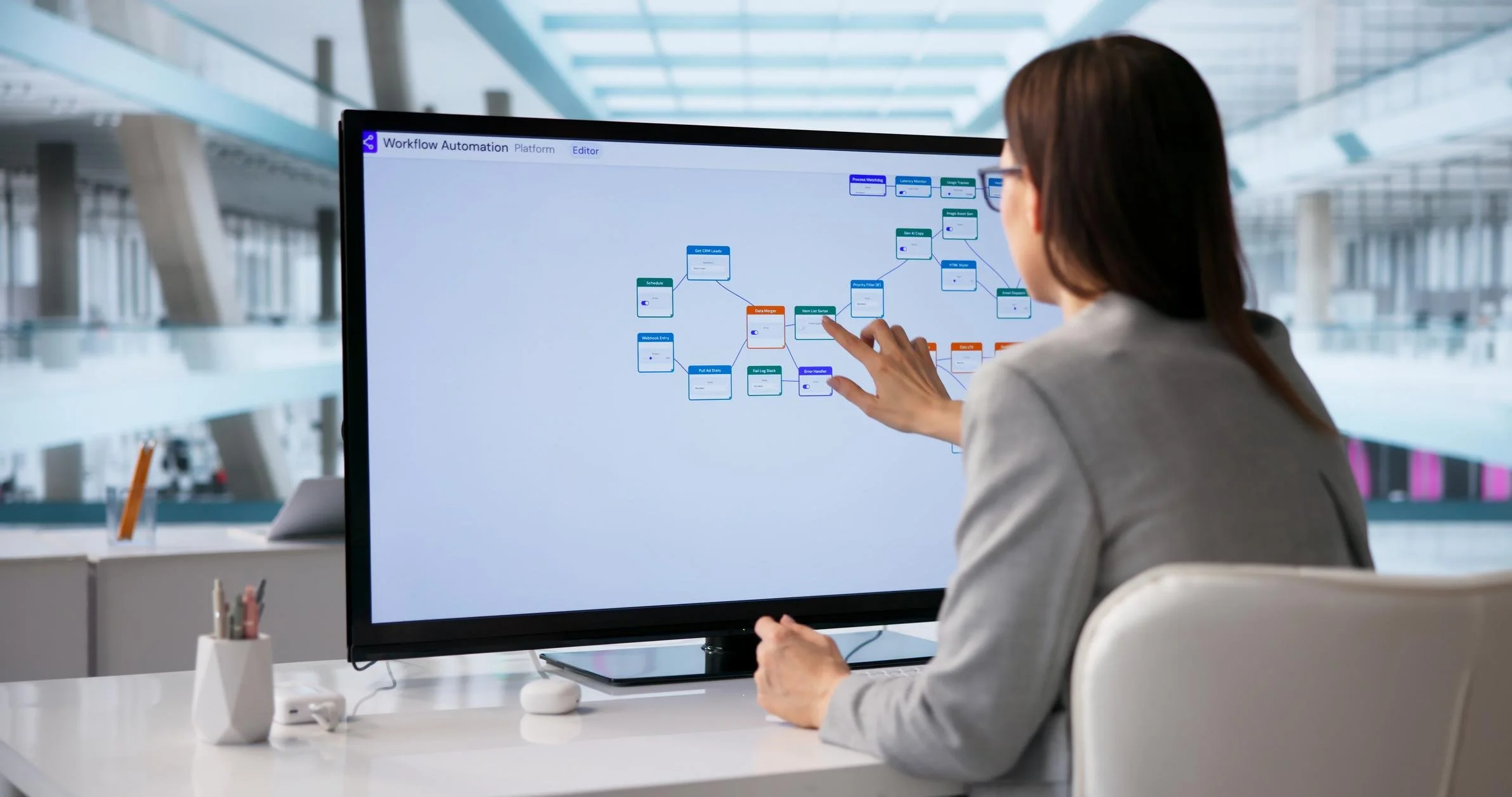
Automation projects often promise lower labor costs. The savings disappear when employees spend hours fixing exceptions created by the new system. A poorly designed workflow might save time on normal transactions but create extra work whenever something unusual happens.
Track exceptions after launch. Ask employees where the automated process still requires manual cleanup. The people doing the work see problems that project dashboards often miss. If employees now spend their day correcting software mistakes, the business traded one frustrating task for another.
Review the Full Cost Before You Upgrade
IT spending deserves the same scrutiny as any other business investment. The sticker price only tells you what the technology costs to acquire. Look at ongoing licenses before approval! Then ask one more question: What existing cost will this upgrade remove?
If the answer is unclear, slow the project down. Technology should solve a measurable business problem. It should not create a new stack of expenses that nobody notices until the next budget review.
As you evaluate the common IT upgrades that quietly inflate operating costs, focus on what happens after implementation. The strongest technology strategy connects every upgrade with a clear business outcome.