Hi,
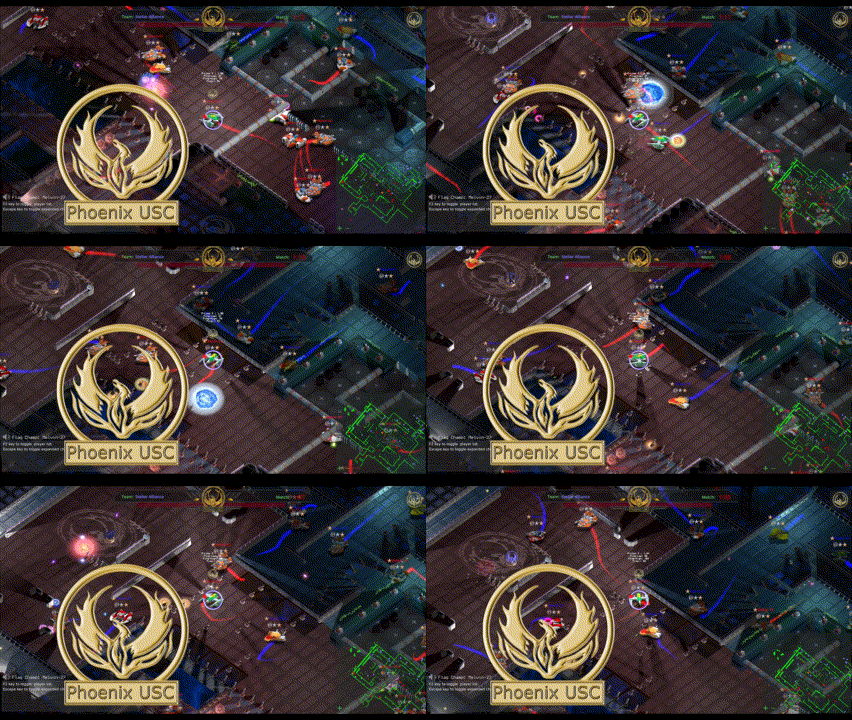
I have been very busy developing Phoenix USC. I have made a huge amount progress since my last development update. I am getting very close to a pre-alpha release and I basically have to finish some work on the server lobby and account authentication and then test the client and server. If that goes well I will release a public test of the pre-alpha client. It’s important I make sure I have it all functioning well and secure. I have set a goal of getting this done over the next two months. Until then, be sure to check out the videos showing off all of recent additions and changes as well as all of the wonderful images.
The Server Lobby.
The server lobby is the gateway to all Phoenix USC servers. I have completely redesigned the GUI and introduce green color theme. I have also added support for server thumbnails or ‘box-shot’s’, each server will have its own. On the back-end I am implementing a internet server broadcast system. This system broadcasts server details (ping, population and more) on a client request. This lets a client get the server details without having to login. I am also adding support for a simple account authentication system. This will function as a placeholder feature during the pre-alpha phase.
The server lobby is an important part of Phoenix USC and I am making sure it’s solid, secure and looking great. The server lobby now supports resolutions up to 4K (2160p) and you can read more about Phoenix USC 4K support below. I still have some work to finish on the server lobby, but, it’s nearly complete.

4K Resolution Support
Phoenix USC now supports resolutions up to 4K (2160p). The server lobby and the client GUI and HUD now supports uniform dimensions across all resolutions. Because this is ‘not’ Window viewport stretching, all non-GUI / HUD components scale at the native resolution (the map stays native resolution). In the included images you can see that even though the GUI components will scale to fit a resolution the game map stays at the native scale and resolution. Super cool!
1080
4K
Video Walls!
Can you play a video as a video-wall in your 2D ISO game? Yes; yes you can. I was able to setup a video wall of sorts in-game by using a Godot MeshInstance2D node and adding a child VideoStreamPlayer node. The MeshInstance2D lets you skew the video and that allows the effect of a standing video wall in a 2D game. Neat.
Exploring a little here. It’s pretty cool to see a live video streaming in this ISO setting. This is an experimental option I want to use for stats, , match status, play of the week, streamed videos and more. Even live camera view of the base may be possible. Here the video wall are shown with a new darker background effect.


New overhead Lighting.
I have redone the overhead lighting effects. I have replaced the placeholder fake sprite 2D lights with a nicer looking sprite. It’s actually a layer of two sprites per light. One for the light body and one for a light bloom effect. The sprites enhance the 2D lighting by adding some light source and detail effects.
Editor View:


As I get closer to a pre-alpha release I am also increasing my development updates. I should have one a week going forward unless something’s up to delay me. So check back weekly and I will keep you up to date on my progress. Pre-Alpha Soon!
More soon… Vidiot_X