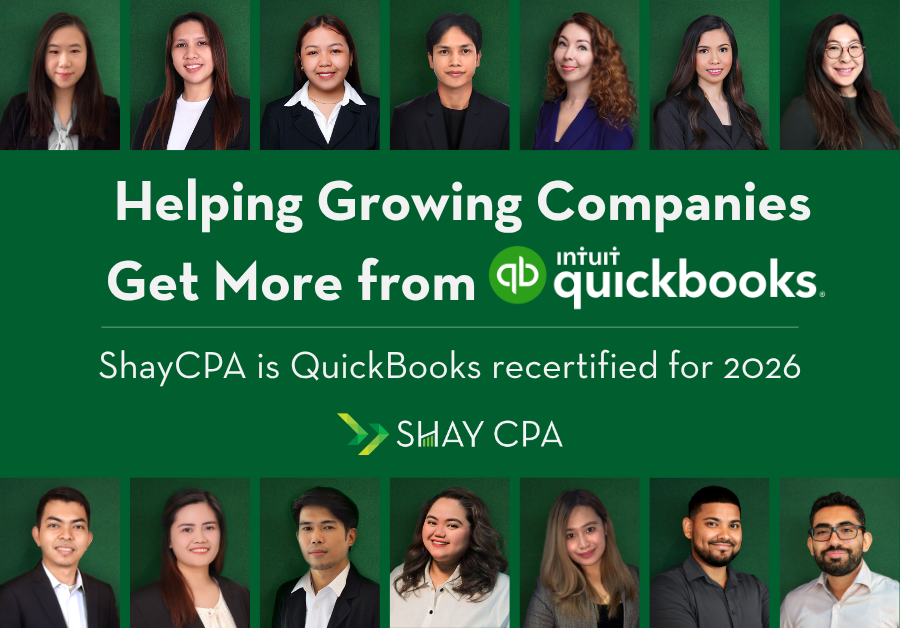
At Shay CPA, we’re proud to stay current on the tools our startup and tech clients use every day.
Of course, our team is QuickBooks Online ProAdvisor certified, and this year we completed our 2026 QBO ProAdvisor recertification. For us, recertification isn’t just a credential. It’s part of how we stay sharp as QuickBooks Online continues to evolve and as our clients’ finance needs become more complex.
Why QBO ProAdvisor Recertification Matters
Many growing companies use QuickBooks Online as the foundation for bookkeeping, billing workflows, reporting, and month-end close. That works well when the system is set up properly.
But as companies scale, small setup decisions can create bigger reporting issues. A chart of accounts that worked at launch may not support investor reporting. A simple customer list may not support revenue by segment. A basic billing workflow may not give the finance team enough visibility into deferred revenue, cash flow, or profitability.
That is where current QuickBooks knowledge matters.
What We’re Watching in QuickBooks Online
One of the biggest themes from the 2026 recertification cycle is that QuickBooks Online is becoming more automated, more reporting-focused, and more AI-enabled. Intuit’s recertification conference materials include topics such as modern reports, report scheduling, dashboards, Finance AI, and Project Management AI.
For finance leaders, these updates can be useful. Better dashboards and reporting tools can help teams review performance faster, identify trends, and make more informed decisions. QuickBooks also describes AI-powered report insights that can help surface trends and anomalies inside financial reports.
But automation does not replace clean accounting.
Better Tools Still Need Better Setup
For SaaS and technology companies, the quality of your QuickBooks file matters. Your chart of accounts, product and service list, billing process, class tracking, customer records, and integrations with tools like Stripe or HubSpot all affect the accuracy of your reporting.
If the setup is clean, newer QuickBooks tools can help reduce manual work and improve visibility. If the setup is messy, automation can simply move bad data faster.
The Takeaway for Tech Finance Teams
QuickBooks Online continues to become more powerful, especially for growing companies that need better reporting and more efficient workflows. But the value of the platform depends on thoughtful setup, regular review, and a clear accounting process.
Whether your company is setting up QuickBooks Online, cleaning up an existing file, upgrading to QuickBooks Online Advanced, or deciding whether it is time to move toward an ERP, Shay CPA can help.
Our team stays current so your accounting system can keep up with your company.
Disclaimer:
The content provided on this blog is for general informational purposes only and does not constitute professional accounting, tax, or legal advice. Reading or accessing this material does not create a CPA-client relationship, nor should it be construed as a substitute for individualized guidance from a qualified professional. While we strive for accuracy, Shay CPA PC makes no warranties—express or implied—about the completeness, reliability, or timeliness of the information, and we expressly disclaim liability for any errors or omissions. You should not act or refrain from acting based on any blog content without seeking the advice of a qualified CPA or other professional who can address your specific circumstances. Links to external resources are provided for convenience only and do not imply endorsement. Shay CPA PC is under no obligation to update this content and disclaims responsibility for decisions made in reliance on it.