To access the crontab settings, first, you need to log in to your AwardSpace hosting panel.
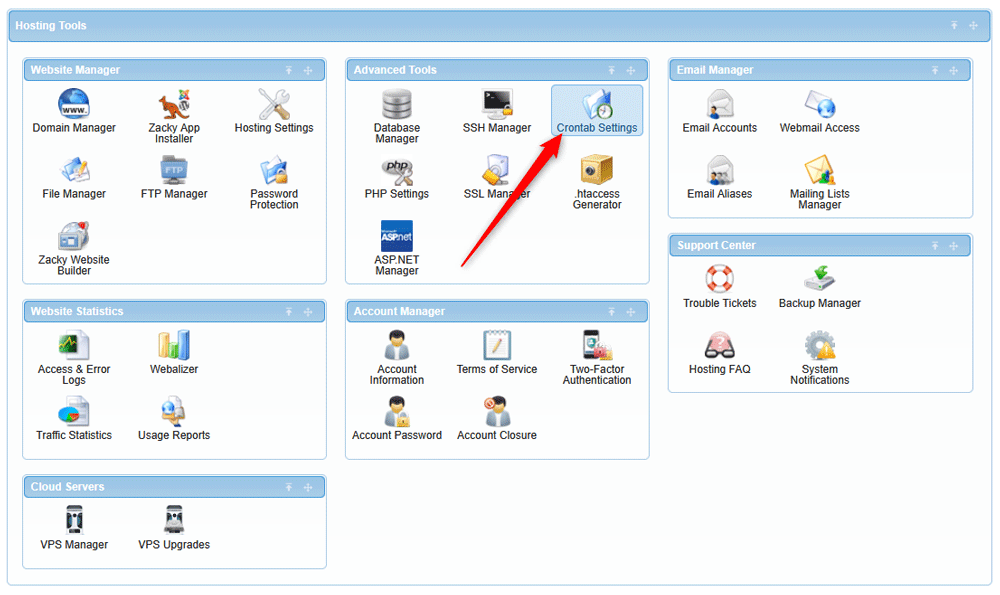
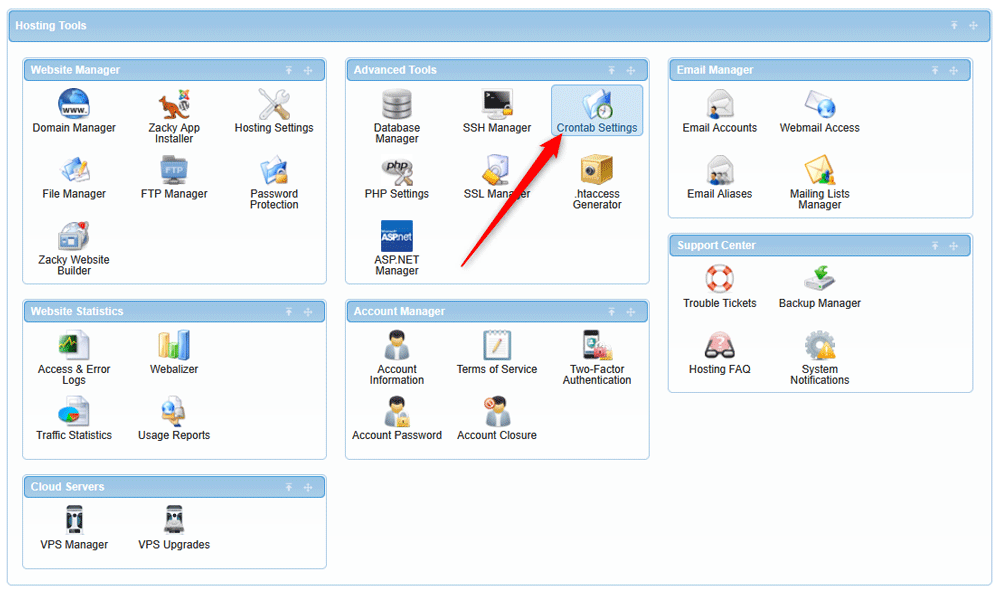
After you have logged in, head to Crontab Settings, located within the Advanced Tools category:
After you click the Crontab Settings icon, a new page should load. Once it does, click on the Crontab Settings tab, located at the top of the page. This will open the settings options:
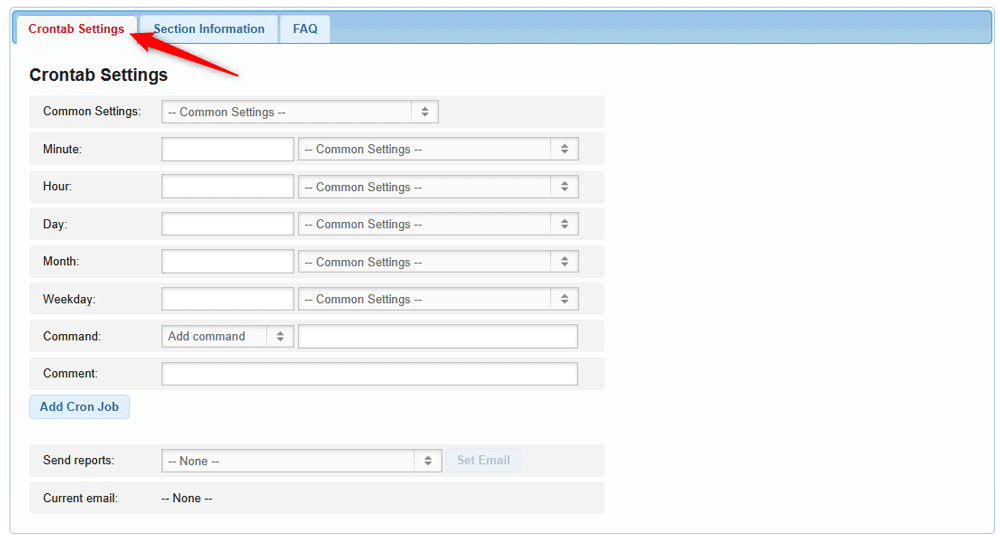
Now you have managed to access Crontab settings.